An AI agent for Instagram
Answers questions about prices, availability and delivery in DMs and under posts, using your materials. Runs when no flow matches the message.

How it works
- 1
No flow matches the message
Keywords and buttons take priority.
- 2
Your agent replies
Using your materials, in DMs and under posts.
- 3
Unsure? It brings in your team
Hands over the conversation with a short summary.
How to train an Instagram AI agent
In your dashboard:AI agentCreate an AI agent
-
1
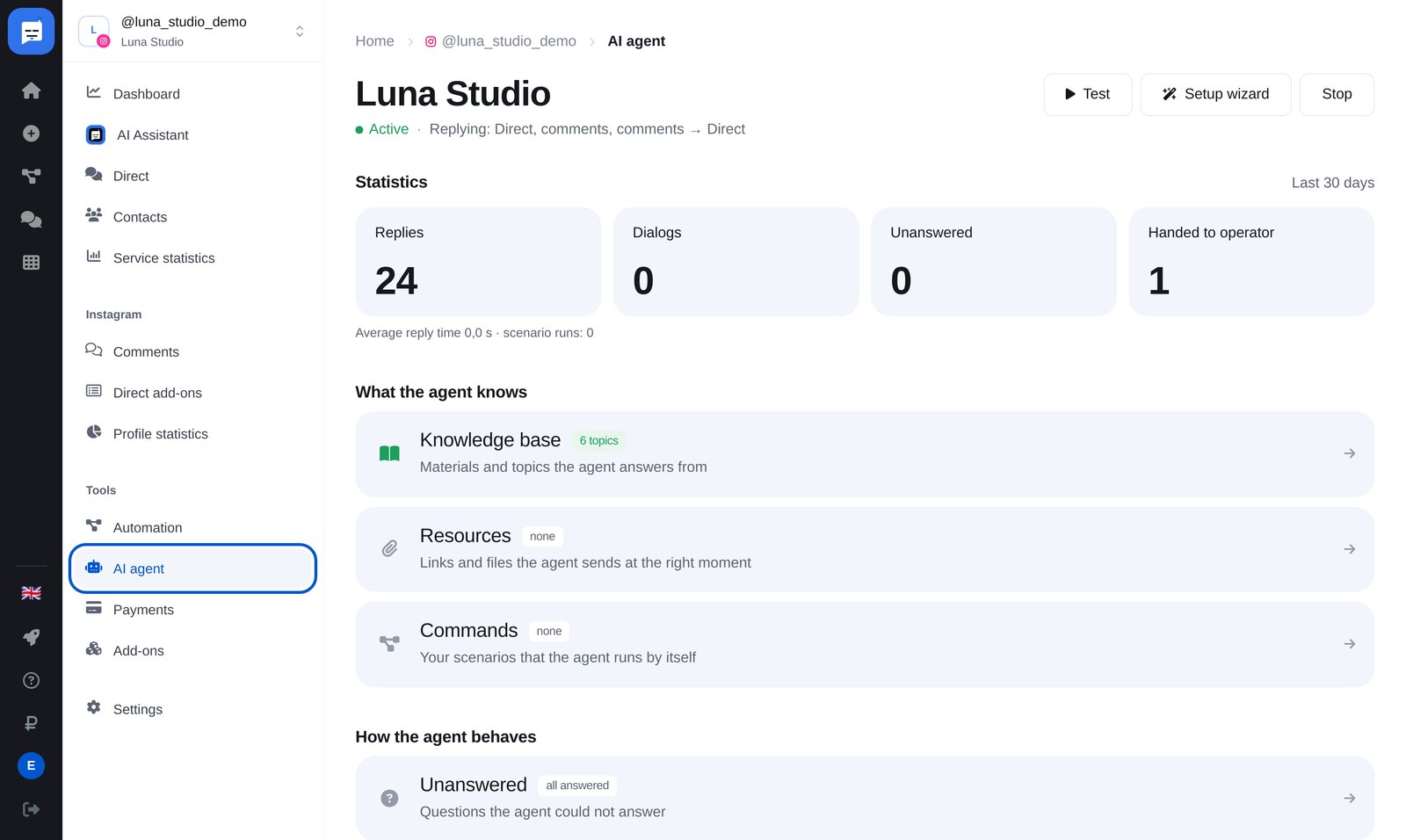
Open “AI agent”
Find it under “Tools”. First, click “Create an AI agent”. Later, the agent page shows what’s left to do, and the “Setup wizard” trains it with a new website, file or text.
-
2
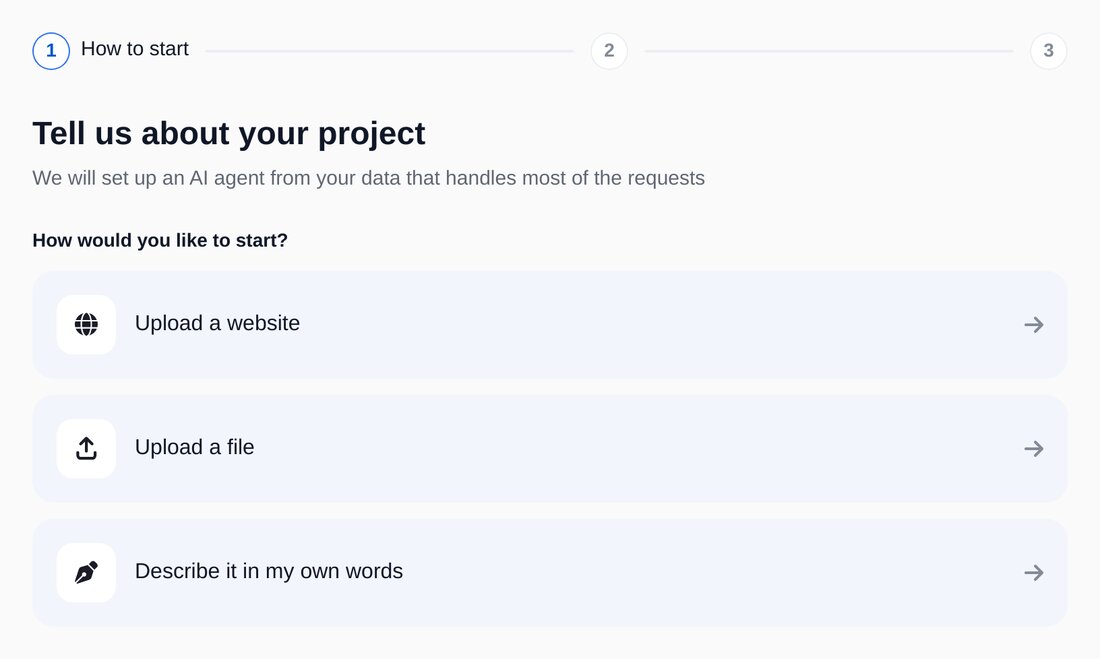
Choose your training source
A website, file or your own description. The agent organises the material by topic.
-
3
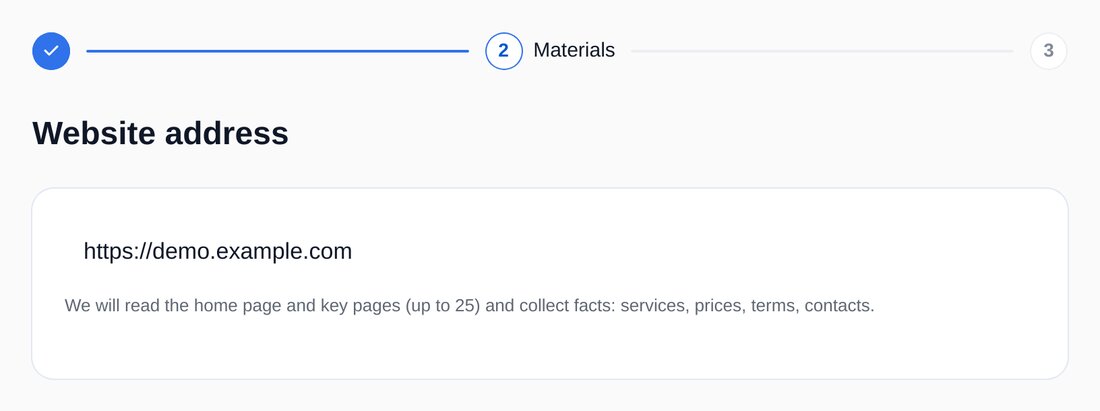
Enter your website
The agent reads your homepage and key pages, up to 25, to gather facts: services, prices, terms and contact details.
-
4
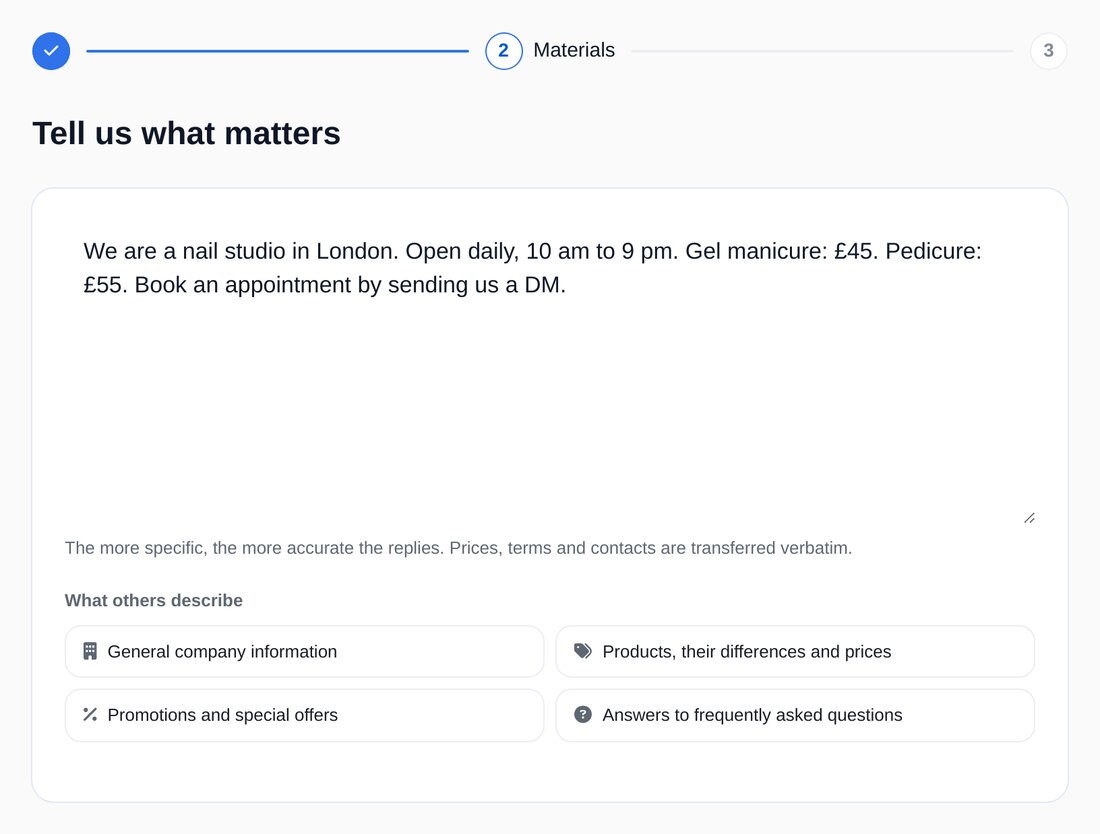
Or describe your business in your own words
The more specific your description, the more accurate the replies. Prices, deadlines, terms and contact details are copied exactly.


FAQs
What if the agent doesn’t know the answer?
Does the agent reply under posts too?
Will one message receive two replies?
How much is it?
More for your Instagram chatbot
Set up an AI agent in a couple of minutes