Live chat for your website
Replies to visitors in website chat, starts conversations with people who stay on a page and keeps in touch after they leave.
Add the widget to any website with one line of code. Let AI answer questions, with website and messaging conversations in one inbox.
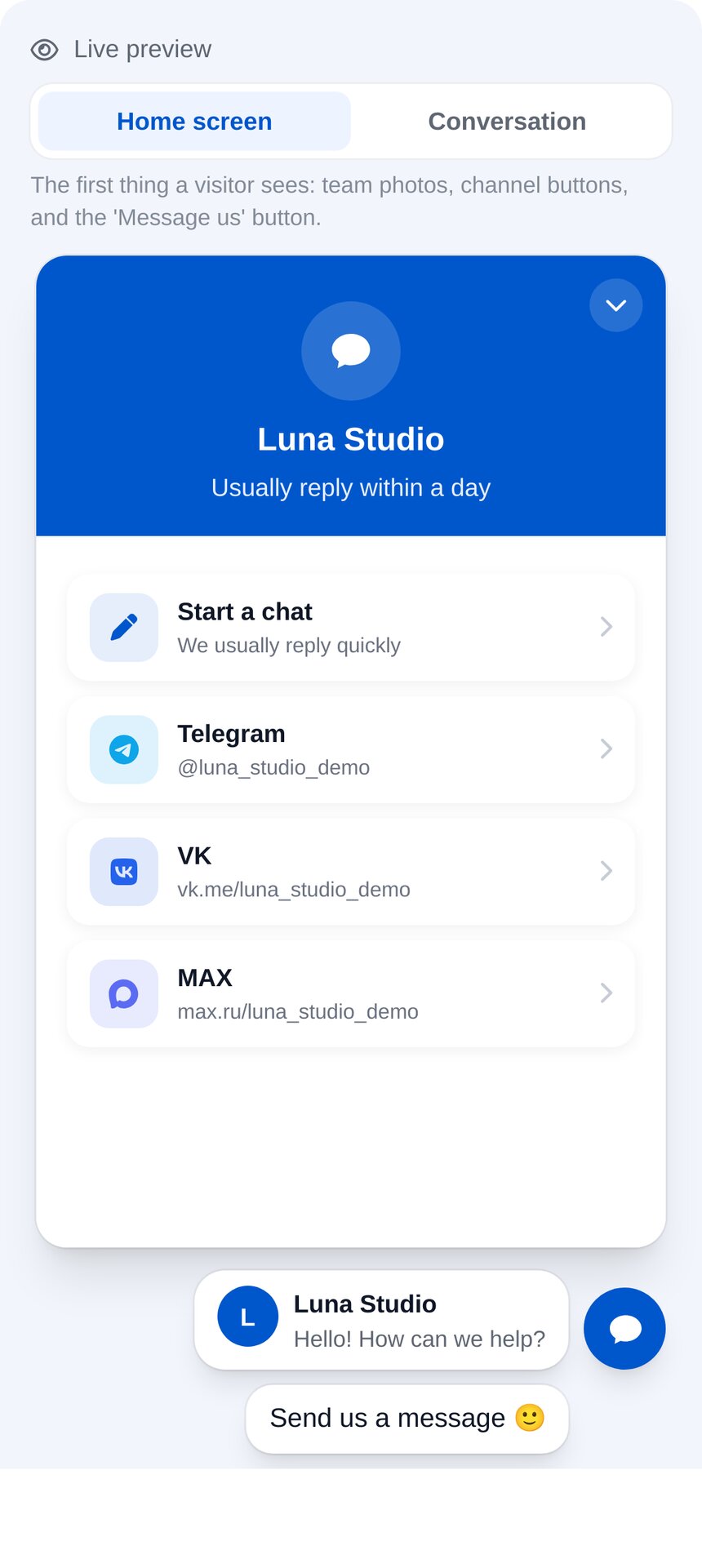
One line of code adds website chat
Copy the code from your dashboard and paste it into your website. Your chat is ready, with no server, developer or plugins needed.
-
Works on any website
Tilda, WordPress, 1C-Bitrix, Wix or a custom website. Paste the code before the page’s closing tag.
-
A design that matches your brand
Set colours, the button, greeting, team photos and messenger buttons, with a live preview.
-
One inbox for all your messaging conversations
Website messages arrive in the same inbox as Telegram and Instagram conversations.

See who’s on your website now
An online visitor list shows each person’s current page and journey through your website.
-
Send a message yourself
Choose a visitor in the list. Your message appears in their widget.
-
A rule sends the message
Conditions include page, traffic source and time on site. See how many messages were viewed and replied to.
-
A flow when chat opens
When someone opens the chat, your bot immediately asks a question or shows buttons.
- A visitor is on your pricing page — for 30 seconds
- Your rule starts the conversation — “Need help choosing a plan?”
- They reply, and the conversation joins your inbox — your bot or an operator answers
Replies reach visitors even after they leave
Visitors leave their email in the chat and join your contacts with their conversation history.
-
Replies by email
If someone closes your website, an operator’s reply can also be sent to their email.
-
Unread replies are easy to spot
When they return, the chat button shows the number of new replies, with a card for the latest one beside it.
-
Files in conversations
Visitors and operators send documents and photos right in the chat.
- They leave an email address — in the chat
- They close your website — before the operator replies
- The reply arrives by email — and waits in the chat for their return
An AI chat agent replies around the clock
Included in Premium. If no flow covers the question, the AI agent answers from your content.
-
Learns from your content
Add prices, terms and service descriptions through a website link, file or text.
-
If it doesn’t know, it asks you
Unanswered questions are collected in a list. Answer once and the agent can handle them next time.
-
Complex questions go to your team
If a visitor asks for a person, the agent hands the conversation to an operator with a short summary.

How to add website chat
Around three minutes, no developer needed.
- 1
Add website chat
“Connect an account” → “Website chat”, then enter your website address. No messaging app account needed.
- 2
Paste the code
Copy one line and paste it before the closing
bodytag, or into the custom code field in Tilda, WordPress or 1C-Bitrix. - 3
Set up and start replying
Colours, greeting and buttons, with a live preview. Messages appear in your shared conversation inbox.
How much does website chat cost?
Priced per connected website, not per operator. All flows are included in your plan.
Guides and instructions
How to install website chat
One line of code, step by step.
Read →Live chat for your website
Set it up to help visitors, not distract them.
Read →Free website chat
What’s included in the free plan.
Read →AI website chat
How to train an AI agent.
Read →A website chatbot
How to choose and connect one.
Read →Chat and website conversion
Where extra enquiries come from.
Read →Website chat FAQs
How do I install live chat on my website?
body tag. Tilda, WordPress, 1C-Bitrix and other website builders have a custom code field for this. See “How to install website chat”.