Chatbot builder for Telegram
Replies to customers through flows with buttons, publishes scheduled channel posts and keeps track of comments.
Build online without code: create a bot in @BotFather and paste its token into the dashboard. Let AI answer customer questions.
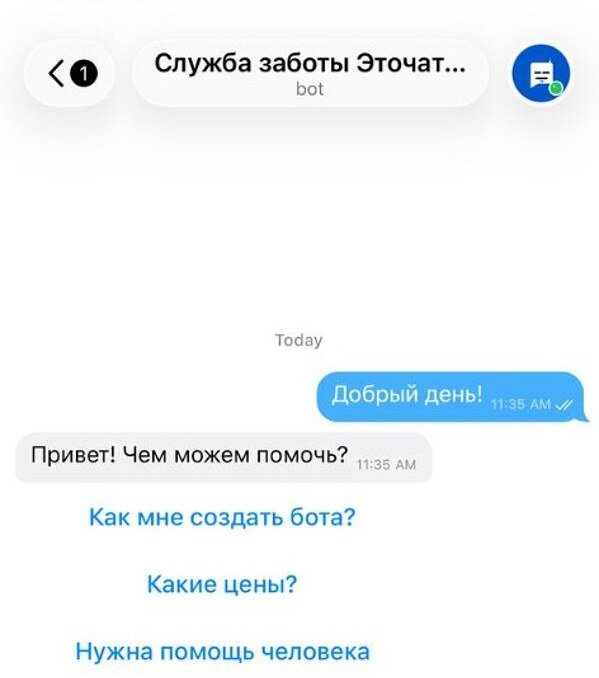
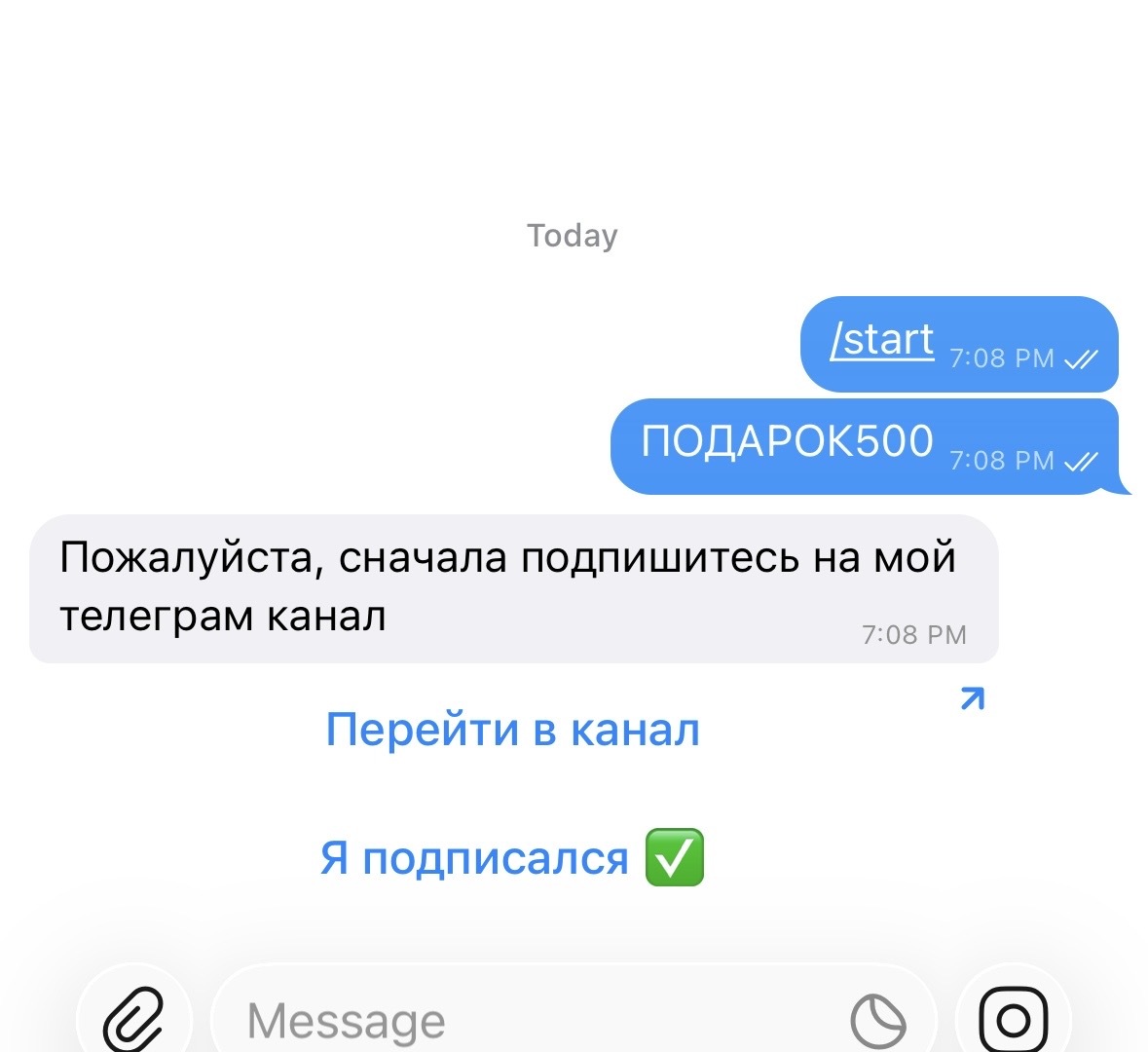
Build flows with buttons, no code
Your bot greets customers, answers common questions, books appointments and passes complex enquiries to an operator. Build its flow by dragging and dropping blocks.
-
Coloured buttons and menus
Highlight the main action with colour: green for “Buy”, red for “Cancel”. Help customers avoid mistakes.
-
Book right in the chat
Customers choose their service and time themselves, without phone calls or waiting for a callback.
-
Broadcasts with a button
Send an offer or reminder to everyone who has messaged your bot. A button opens a link or a flow, and clicks appear in your statistics.

Scheduled posts in channels and groups
Build posts right in the dashboard. Publish now, schedule for later or set up recurring posts, in one channel or several. Available on Plus and Premium.
-
Scheduled posting
Choose a date and time or set up a series: daily or on selected weekdays. Send yourself a preview before publishing.
-
Articles without Telegram Premium
Headings, tables, lists and collapsible sections in one post. Inside Telegram, this editor is available only to Premium subscribers.
-
Edit after publishing
Edit text and buttons, pin a post temporarily or delete it after N hours. Posts published manually also open in the editor.

Stay on top of comments and groups
Post comments and group messages appear in one feed, with conversation threads. See who’s still waiting for a reply.
-
See who needs a reply
Filter by intent or search by text and author. Each reply shows who sent it: you, the bot or AI.
-
Moderate in one click
Reply, delete, mute for a day or a week, or ban a sender — including spam channels.
-
An AI summary of the discussion
On Premium, AI summarises the discussion, identifies unanswered questions and shows who wants to buy.
- Awaiting reply — no one has replied yet
- Questions — about prices, timing or availability
- Want to buy — ready to order
- Looks like spam — links, other people’s contact details or repeated messages
AI writes posts and replies to customers
Available on Premium. AI learns your channel’s voice for posts and uses your materials to reply in private chats.
-
Posts in your channel’s voice
Turn an idea into a post, rewrite, shorten, suggest a headline or an image. AI takes your edits into account.
-
A weekly content plan
Suggests topics and creates dated drafts. Nothing is sent to your channel without your confirmation.
-
Answers from your content
Add prices, terms and service descriptions as links, files or text. If the agent doesn’t know the answer, it passes the question to an operator.

Auto-reply bot for nights and common questions
When a customer messages outside working hours, the bot replies immediately with buttons. Keywords such as “prices” and “price list” trigger prepared answers. The AI agent handles other questions.
-
On a schedule
Choose the days and hours when the bot replies instead of your team. Add separate schedules for weekdays and weekends.
-
By keyword
When someone writes “prices”, the bot sends your price list with a button. One rule can contain several keywords.
-
No unnecessary repeats
The bot waits for the interval you set before replying again. During working hours it stays quiet, so you can answer.

A business bot replies in your private chats
Connect the bot to your personal account. It replies to customers on your behalf in the same conversation, without opening a separate chat.
-
Customers stay in the same chat
They message you as usual. No “Start” button or separate bot chat.
-
No Telegram Premium needed
Telegram removed this requirement in summer 2026.
-
Recent private conversations only
The business bot replies in conversations where the other person has messaged within the past day. Groups and channels aren’t included.
- @BotFather — Bot Settings → Secretary Mode
- Telegram settings — Chat Automation
- The bot replies in your private chats — on your behalf
How to connect Telegram
Online, with no code or servers. No waiting for Telegram approval.
- 1
Create a bot in @BotFather
Use the
/newbotcommand, give your bot a name and a username ending in_bot. BotFather sends you a connection token. - 2
Paste the token into the dashboard
“Connect an account” → Telegram → paste the token. We’ll configure the rest.
- 3
Turn on the flow
Choose a template or build your own flow. The bot starts replying immediately.
How much does a Telegram chatbot cost?
Pricing is per connected bot. Every flow is included in the plan.
Guides and instructions
How to create a Telegram chatbot
From BotFather to your first flow.
Read →Automatic Telegram posting
Scheduled channel posts.
Read →A bot for chat automation
What your bot can do in a group or channel.
Read →Channel comments
How to enable and moderate them.
Read →A business bot in your private chats
Connection setup and common errors.
Read →An automated sales funnel
A sequence that takes customers through to payment.
Read →