A business bot in Telegram
Connect the bot to your personal account. It replies to customers on your behalf in the same conversation, not in a separate bot chat. No Telegram Premium needed.
- @BotFather — Bot Settings → Secretary Mode
- Telegram settings — Chat Automation
- The bot replies in your private chats — on your behalf
How it works
- 1
Your customer messages you privately
As usual, without going anywhere else.
- 2
Your bot replies
Using a flow or AI, on your behalf.
- 3
Conversations in your dashboard
In the shared inbox alongside other platforms.
How to connect a Telegram business bot
In your dashboard:SettingsConnectionThe bot in your private chats
-
1
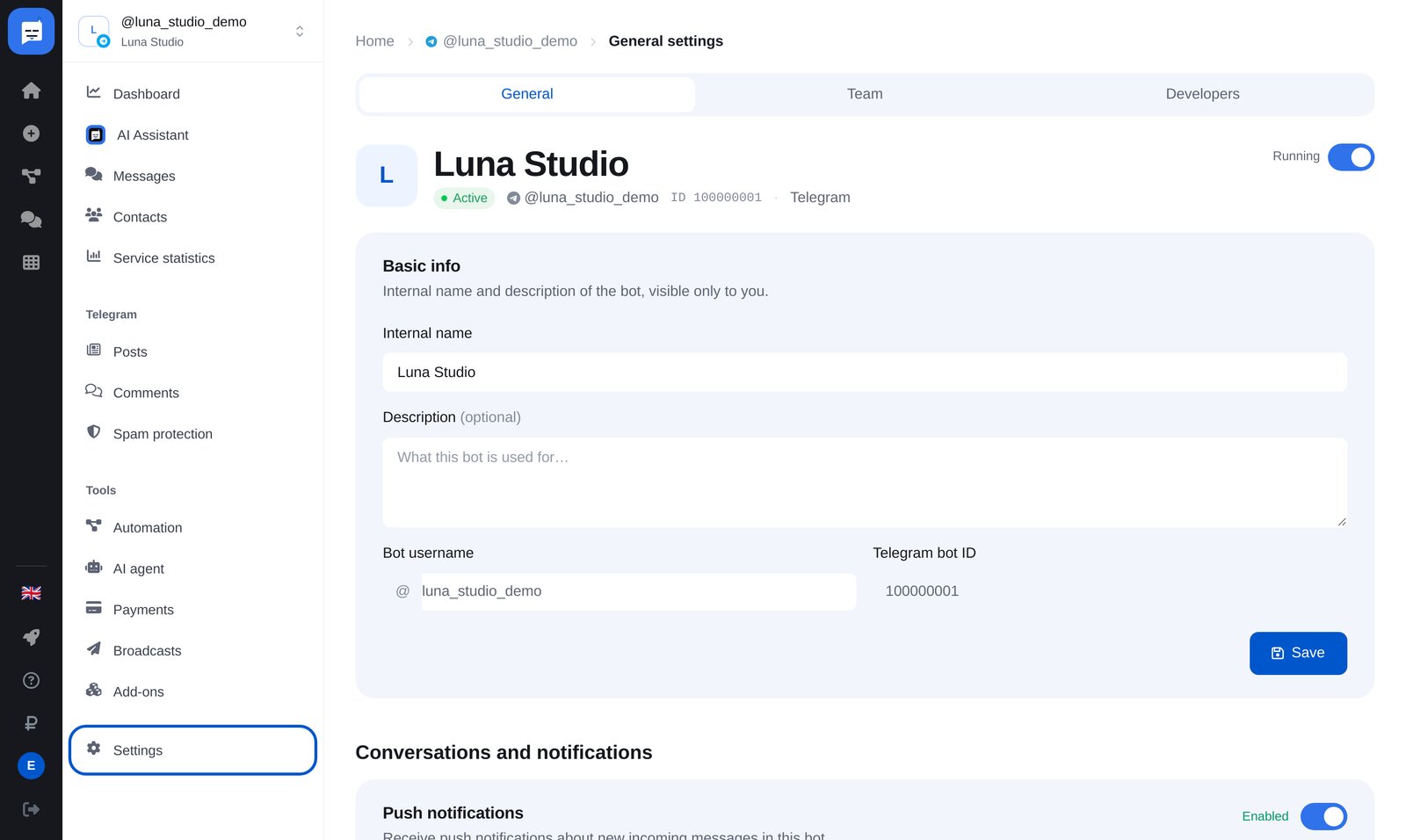
Open your bot’s “Settings”
At the bottom of the bot menu, open “Settings”, then “The bot in your private chats”. You’ll find instructions and the connection status there.
-
2
Enable Secretary Mode
In @BotFather: /mybots → your bot → Bot Settings → Secretary Mode → enable it. This button used to be called Business Mode.
-
3
Connect your bot in Telegram
Settings → Chat Automation → enter your bot and allow it to reply to messages.
-
4
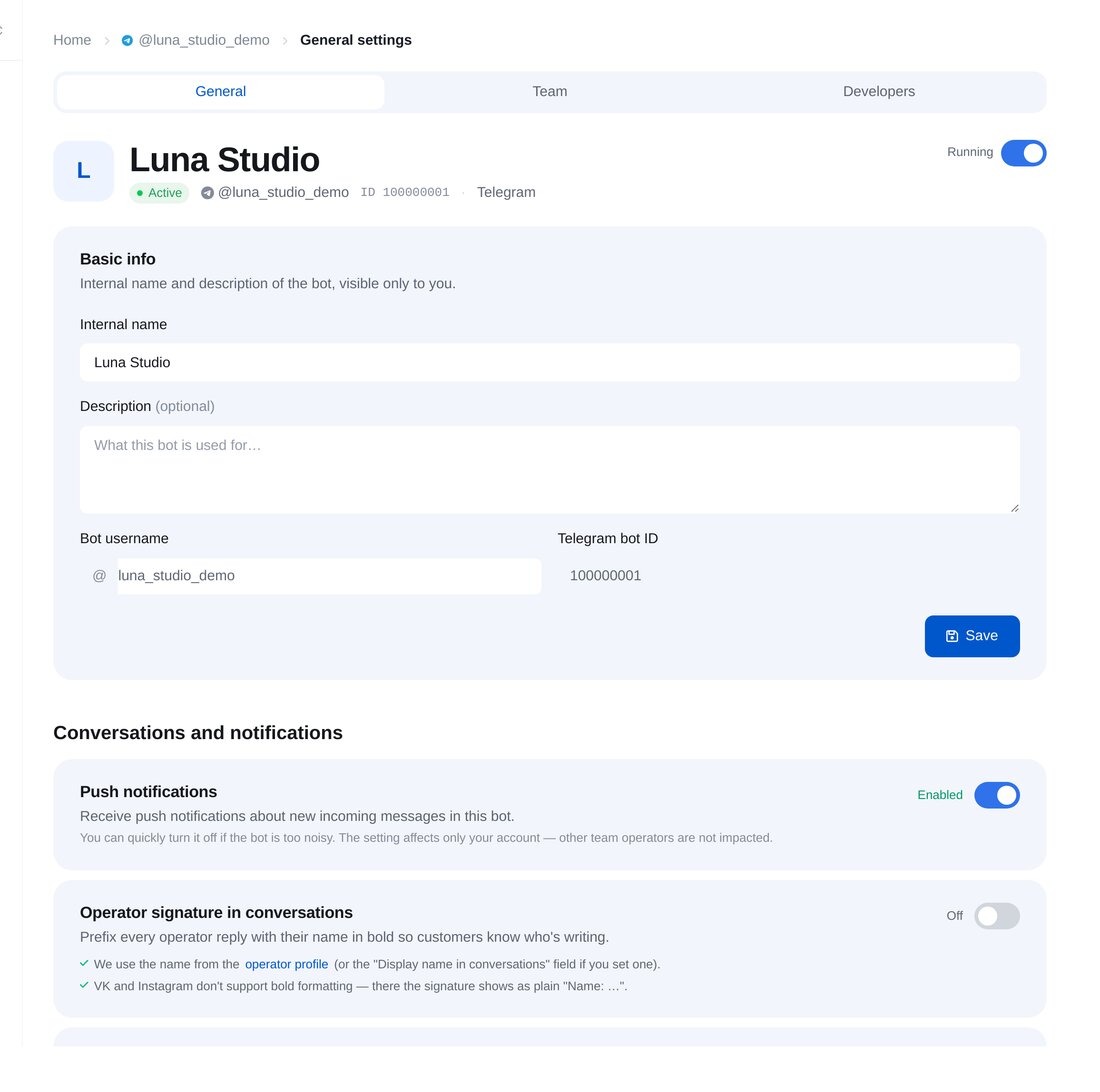
Check the connection in your dashboard
Your account appears in the bot’s settings. The first connection is treated as yours; any others require your approval.


FAQs
Why does it say “This bot doesn’t support Telegram for Business yet”?
Do I need Telegram Premium?
Which chats can a business bot reply in?
Can someone else connect my bot?
More for your Telegram chatbot
Connect a business bot in a couple of minutes