A chatbot for Instagram
Replies in DMs and post comments, sends a guide when someone writes a keyword and checks whether they follow you.
Official Instagram integration: connect in a couple of minutes, no coding needed. Let AI answer other questions.
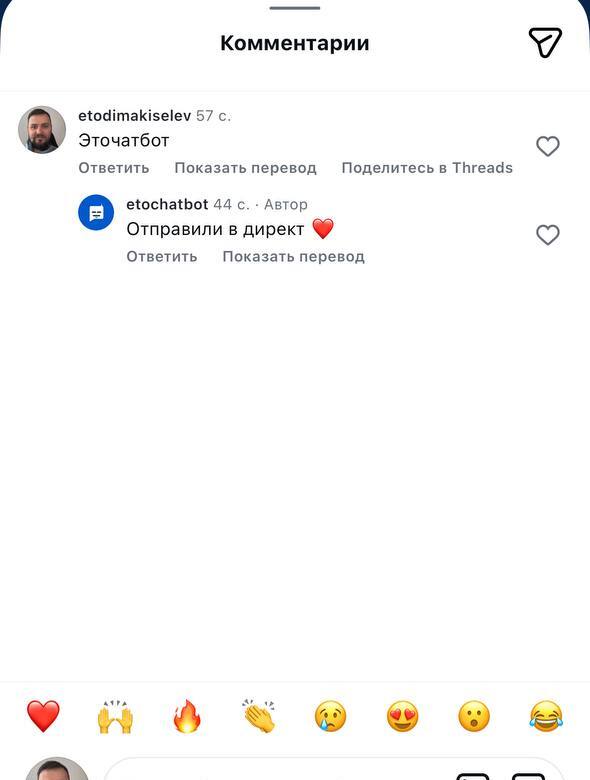
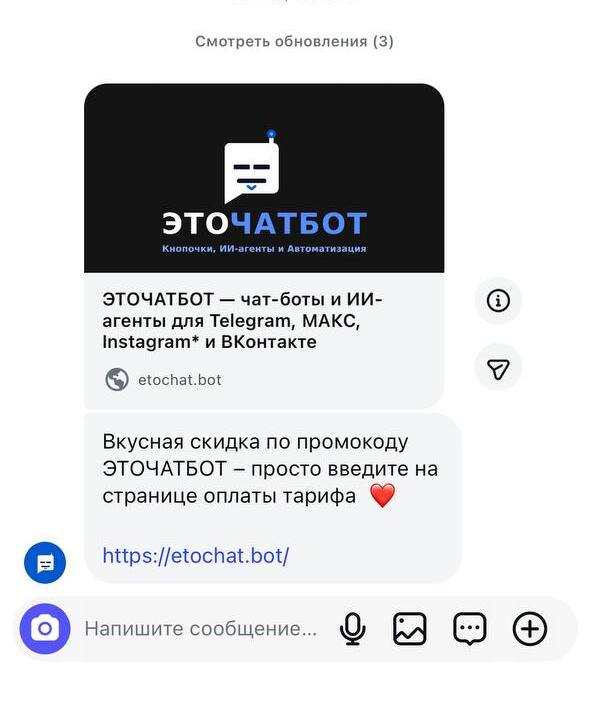
Keywords: from comments to DMs
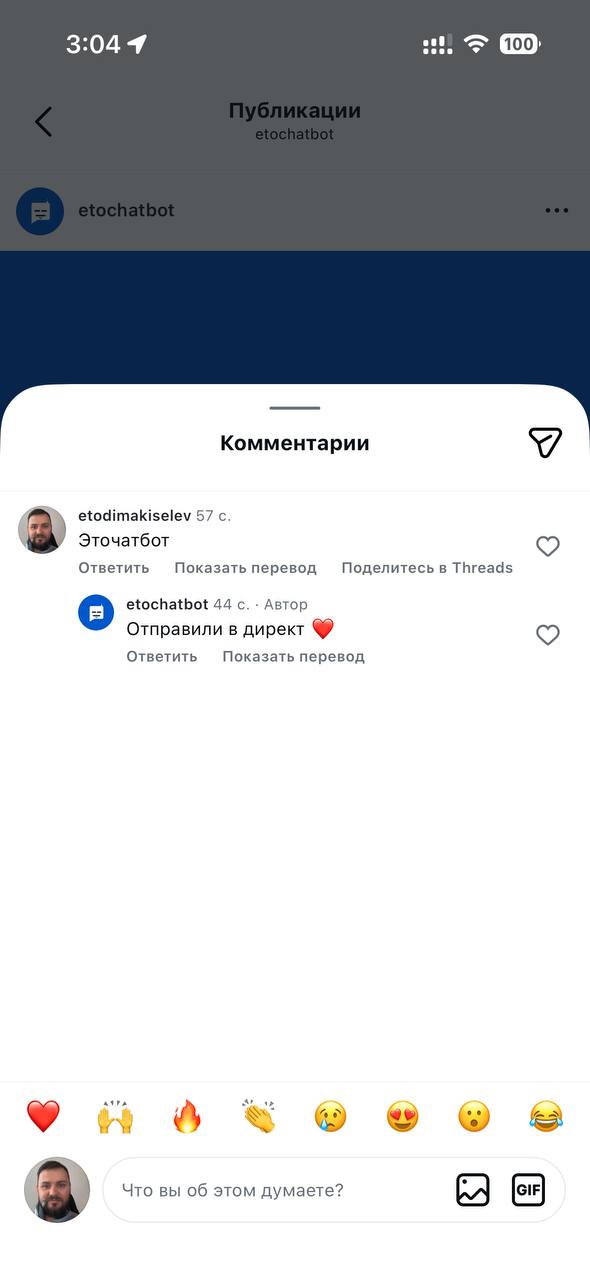
Someone writes a keyword under a post or Reel, or in a DM. Your bot replies to their comment and privately sends a guide, link or promo code.
-
A different rule for each post
Send a guide under one post and a price list under another. Each rule can have several keywords, and matching is case-insensitive.
-
Once a day per person
If someone writes the keyword again, the bot won’t send the guide twice on the same day. Keep their inbox free of repeated messages.
-
See who opened your link
Links sent in messages are tracked. Each rule shows how many people opened your guide.

Auto-replies to every comment
Your bot replies under posts with a random response from your list, or an AI reply that addresses the comment.
-
Replies that sound natural
Add at least five responses. The bot picks one at random each time. In AI mode, replies use the tone you choose.
-
You choose where to reply
In comments, DMs or both. Under all posts or selected ones. Skip comments made up entirely of emojis if you wish.
-
Spam filter
The bot hides or deletes links, other people’s contact details, all-caps comments and repeated messages, then alerts you in Telegram. Enable each rule separately.
Check followers before sending a guide
Your bot asks Instagram whether the person follows you, rather than taking their word for it.
-
Following you? They get the guide
The resource arrives in DMs as soon as the check is complete.
-
Not following? An “I’m following” button
Your bot asks them to follow and sends a button. They tap it, and the bot checks again before sending the guide.
-
A “follower” tag
People who follow to get the guide receive a tag on their customer profile, making them easy to find.
- Someone writes a keyword — under a post or in DMs
- Your bot checks whether they follow you through Instagram
- Followinggets the guide and a “follower” tagNot followinggets an “I’m following” button so the bot can check again
AI answers other questions
Prices, availability and delivery: if a message doesn’t match any flow, an AI agent replies using your materials. In DMs and post comments.
-
Learns from your content
Add prices, delivery terms and service descriptions as a website link, file or text.
-
If it doesn’t know, it asks you
Unanswered questions are collected in a list. Answer once and the agent can handle them next time.
-
Complex questions go to your team
When a customer asks for a person, the agent hands over to your team with a short summary of the conversation.

Scheduled posts, Reels and Stories
Create a post on your computer and pick a time. It goes live on its own, even when you’re offline. Available on Plus and Premium.
-
Goes live at the exact minute
A post, a carousel of up to 10 photos and videos, a Reel with your own cover or a Story from a business account.
-
First comment on autopilot
Your bot adds hashtags, a link or a call to comment a keyword under the post as soon as it goes live, or later.
-
Stats for every publication
Reach, views, saves and shares are collected automatically for a whole week after publishing.

How to connect Instagram
No code or API keys. Use the official Instagram login.
- 1
Sign up
Sign up with email. No card required. Your first 3 days of Premium are free.
- 2
Sign in to Instagram
Click “Connect Instagram”, sign in to your professional account and allow access to messages and comments.
- 3
Turn on the flow
Keywords, comment auto-replies or replies to story mentions: choose a template and answer the wizard’s questions.
How much does an Instagram chatbot cost?
Priced per connected account, with all flows included in your plan.
Guides and instructions
Keyword auto-replies, step by step
From choosing a post to sending a DM.
Read →Automatic replies in Instagram DMs
Greetings, keywords, links and files.
Read →Automatic comment replies
A public reply followed by a DM.
Read →An automated funnel: from comment to payment
A message sequence that guides customers to a purchase.
Read →Replies to Stories
Reactions and mentions of your account.
Read →Moving from ManyChat
Move your flows step by step.
Read →