Follower checks in Instagram
Before sending a guide, your bot asks Instagram whether the person follows you. Followers get the resource. Others are asked to follow and receive a button to check again.
- Someone writes a keyword — under a post or in DMs
- Your bot checks whether they follow you — through Instagram
- Followers get the guide — others get an “I’m following” button
How it works
- 1
They write a keyword
The check is built into the keyword wizard.
- 2
Your bot asks Instagram
Instagram confirms their follower status; the bot doesn’t take their word for it.
- 3
Followers get the resource
Others receive a request and an “I’m following” button.
How to enable Instagram follower checks
In your dashboard:AutomationNew scenarioKeywordYes, followers only
-
1
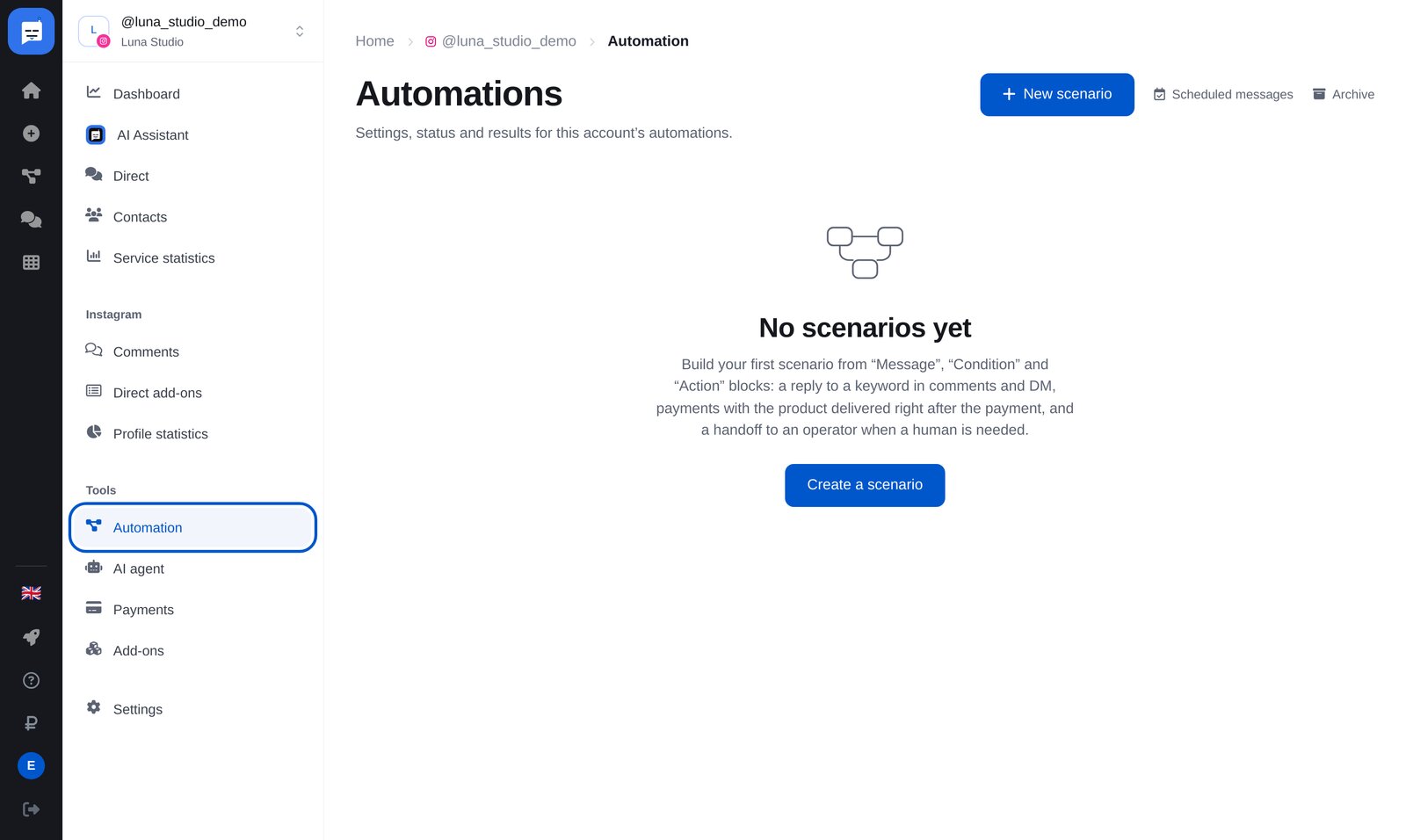
Open “Automation”
In your bot’s left menu, open “Automation”, then click the blue “New scenario” button at the top right.
-
2
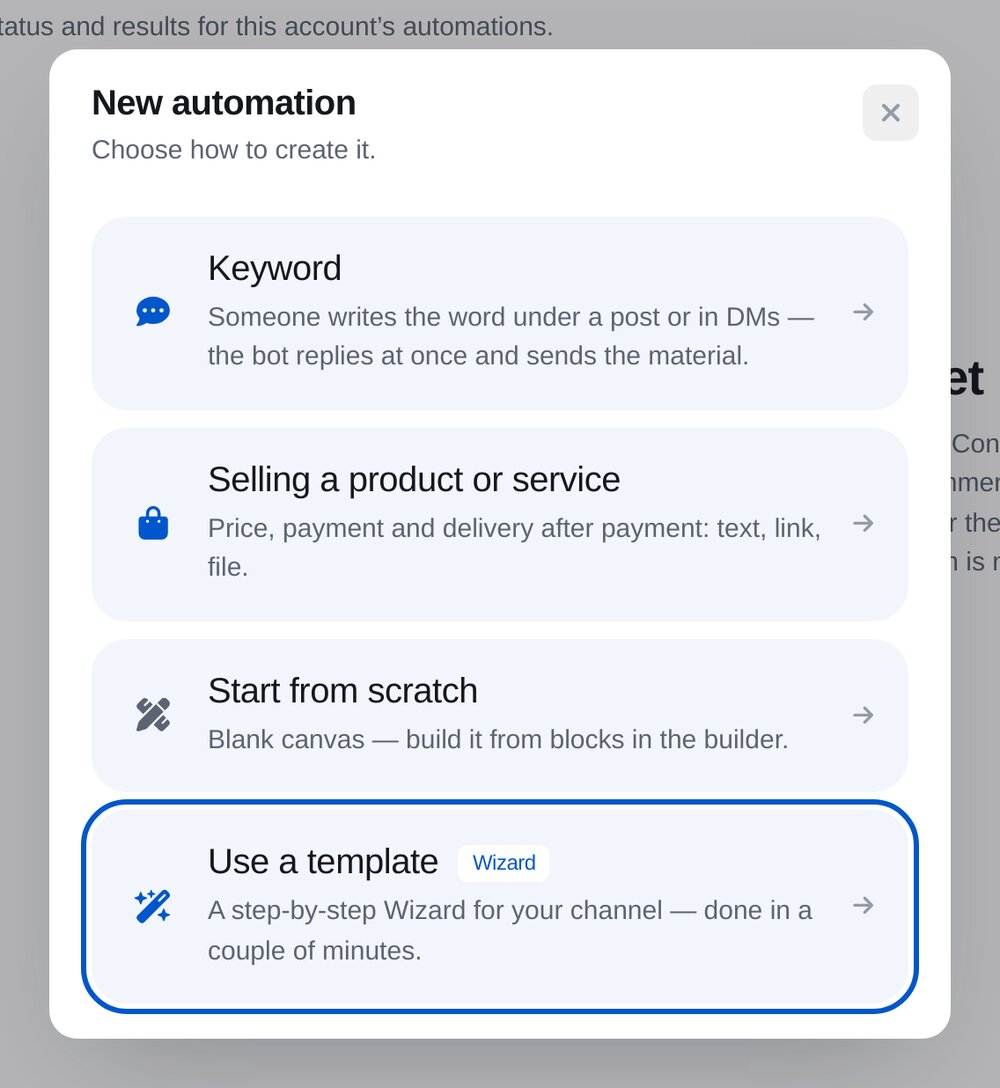
Choose “Keyword in comments or DMs”
Follower checks are one step in the keyword wizard.
-
3
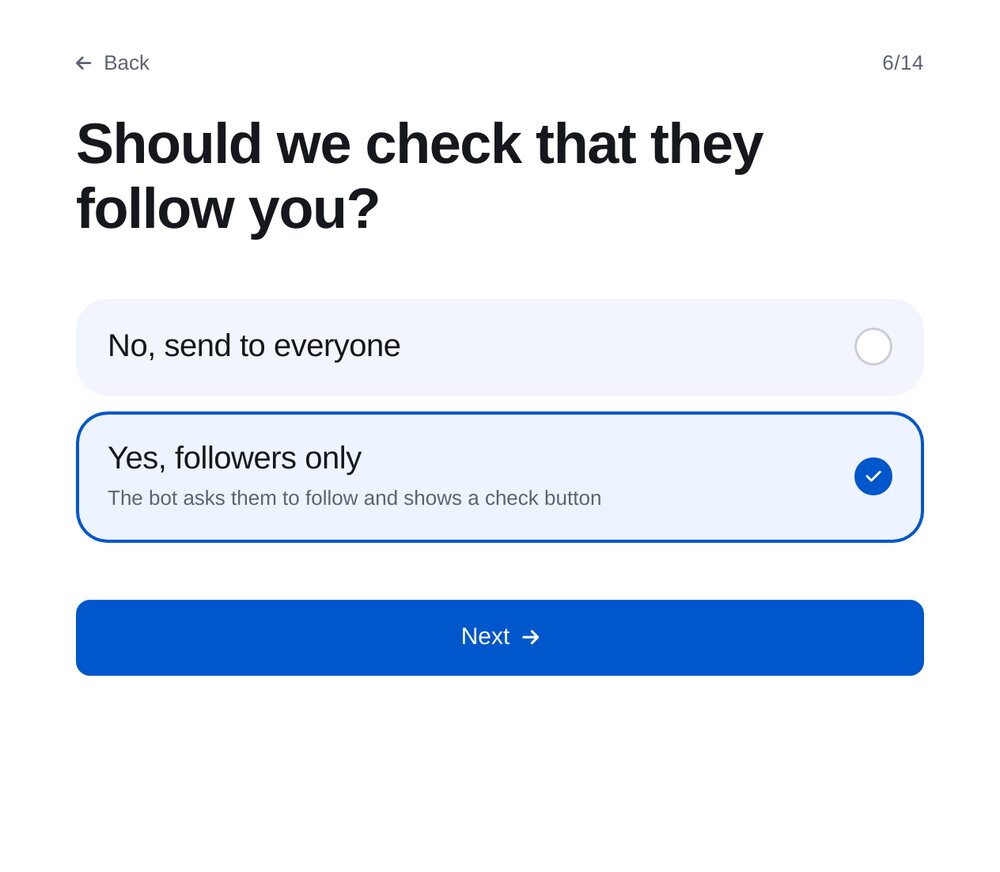
Turn on the check
In the keyword wizard, choose “Yes, followers only”.
-
4
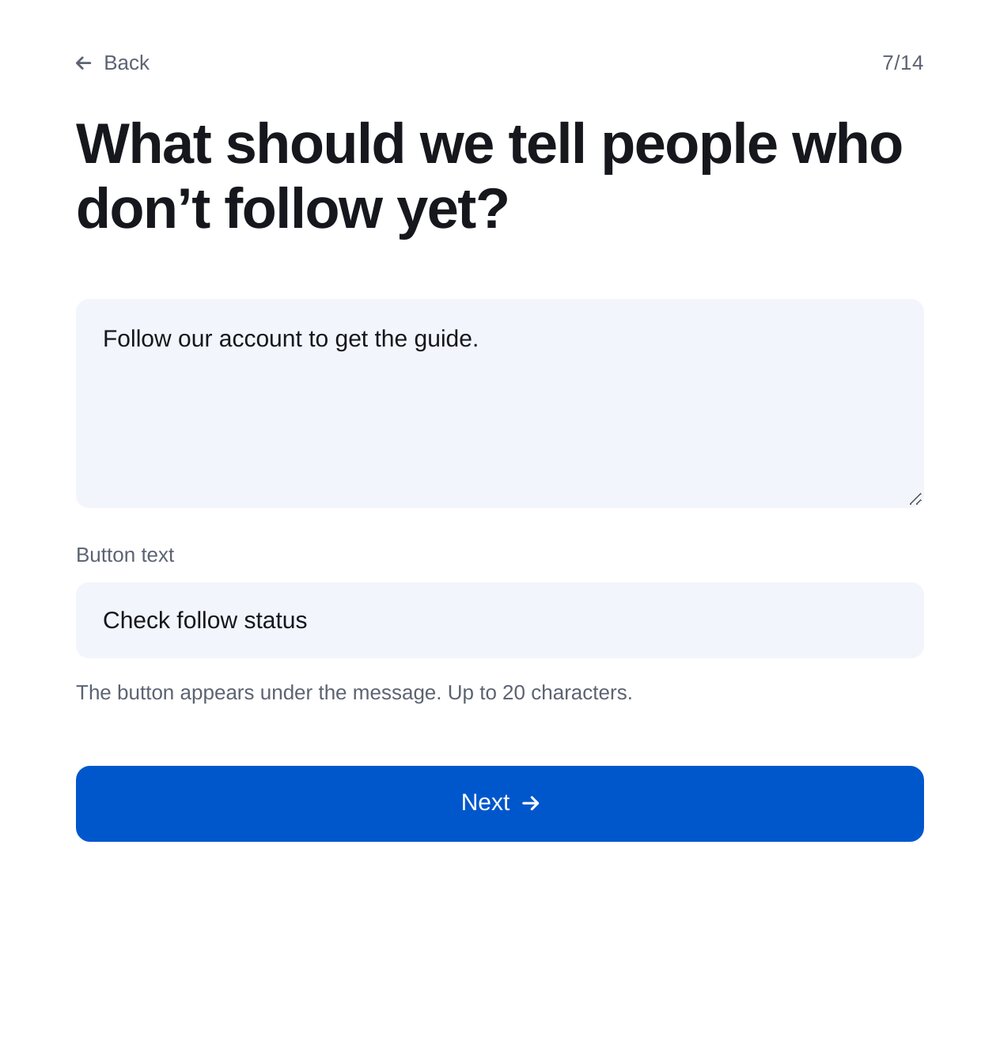
Write your request and button label
People who don’t follow you receive this message. A check button appears below it, with a label of up to 20 characters.
-
5
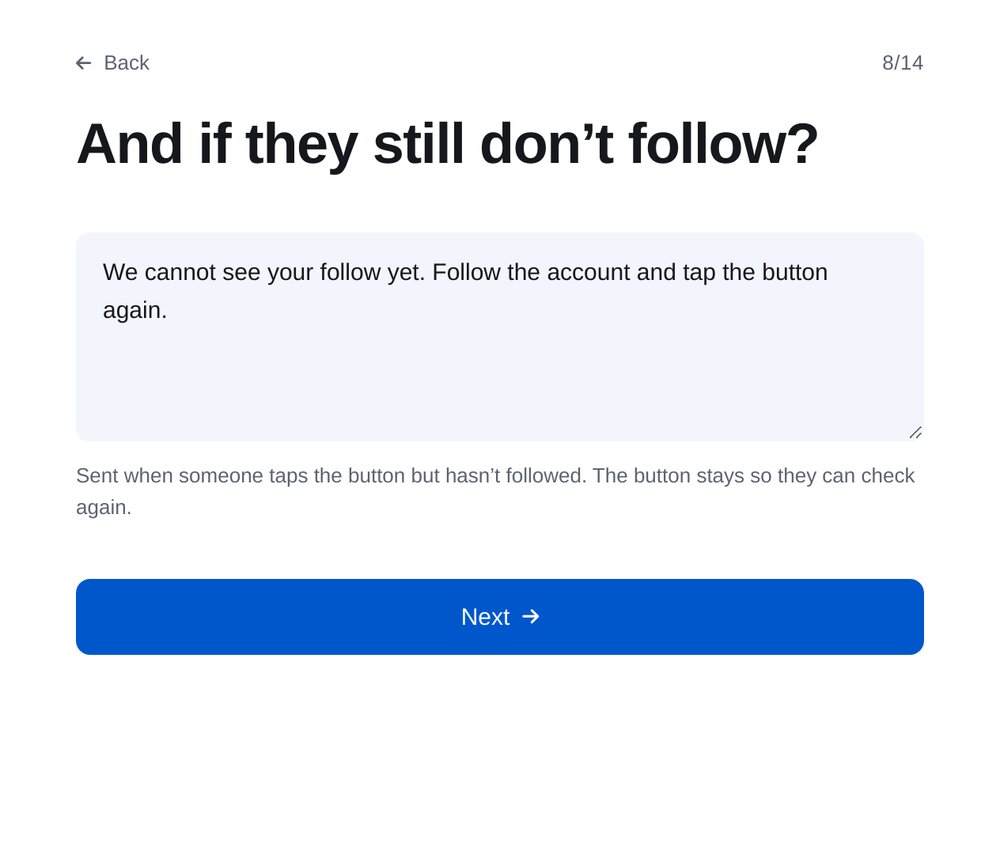
Reply if they still aren’t following
Sent when someone taps the button without following you. The button remains, so they can check again.
-
6
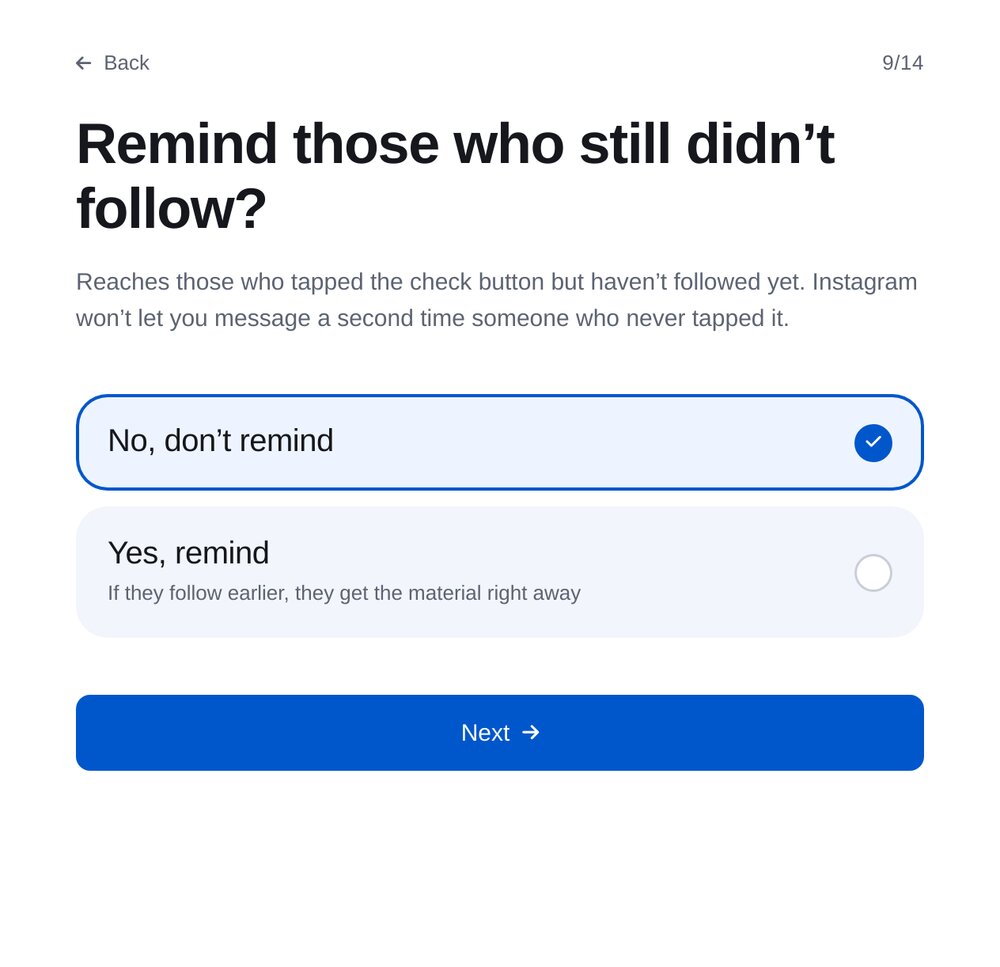
Reminder
Sent to people who tapped the check button. Instagram won’t allow a second message to those who haven’t.
-
7
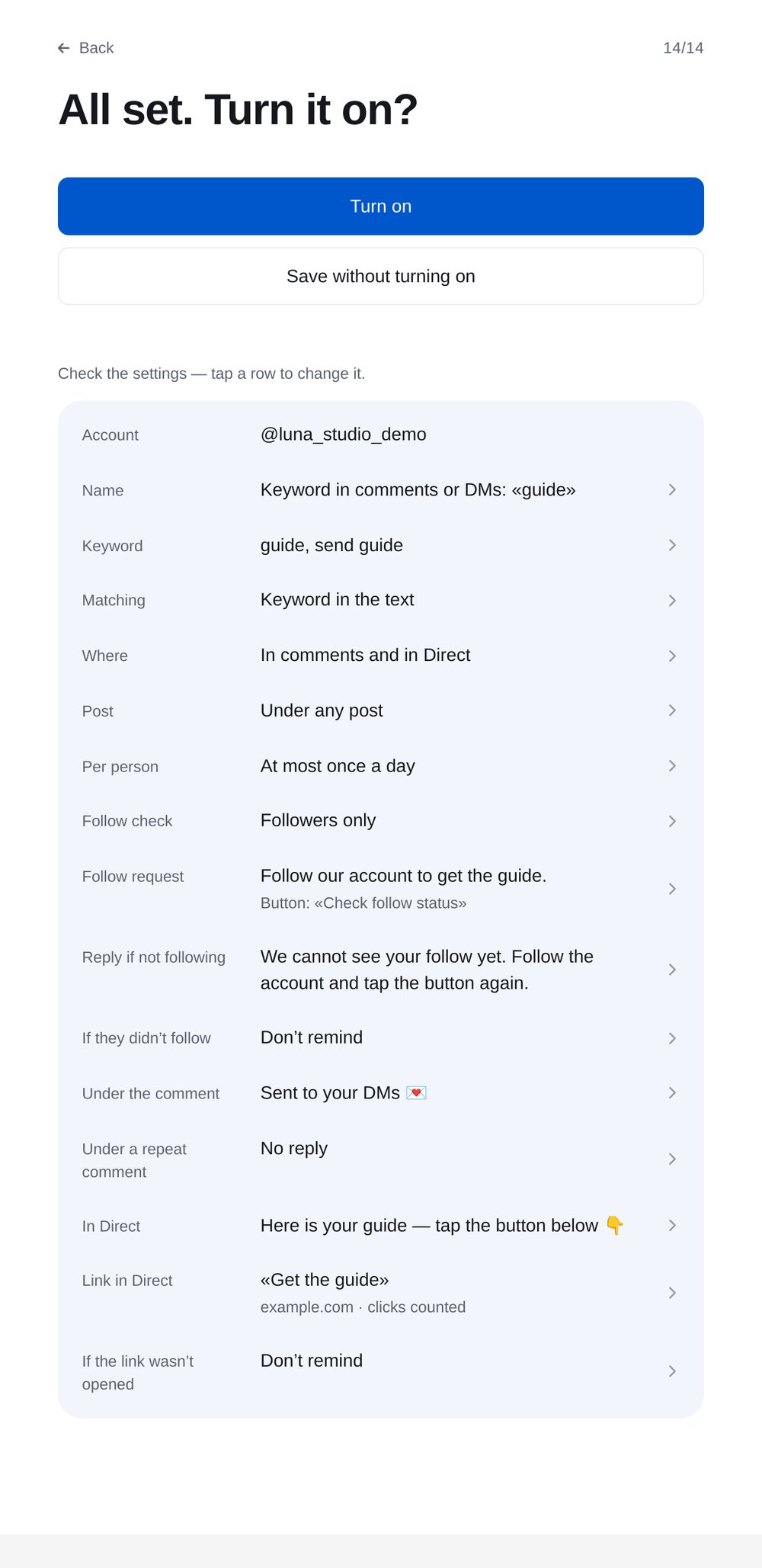
Review and turn on
Review the whole rule: keyword, post, follower check and replies.


FAQs
How does the bot know someone follows me?
What if someone subscribes later?
Can I remind everyone who hasn’t followed?
Can I identify people who followed for the guide?
More for your Instagram chatbot
Subscription checks in a few minutes