Keywords in Instagram
Someone writes a keyword under a post or Reel, or in DMs. Your bot replies to the comment and privately sends a guide, link or promo code.


How it works
- 1
They write a keyword
Under a post or Reel, or in DMs.
- 2
The bot replies to the comment
Your bot alternates between several replies.
- 3
It sends the resource in DMs
Text and up to three link buttons.
How to set up Instagram keywords
In your dashboard:AutomationNew scenarioKeyword
-
1
Open “Automation”
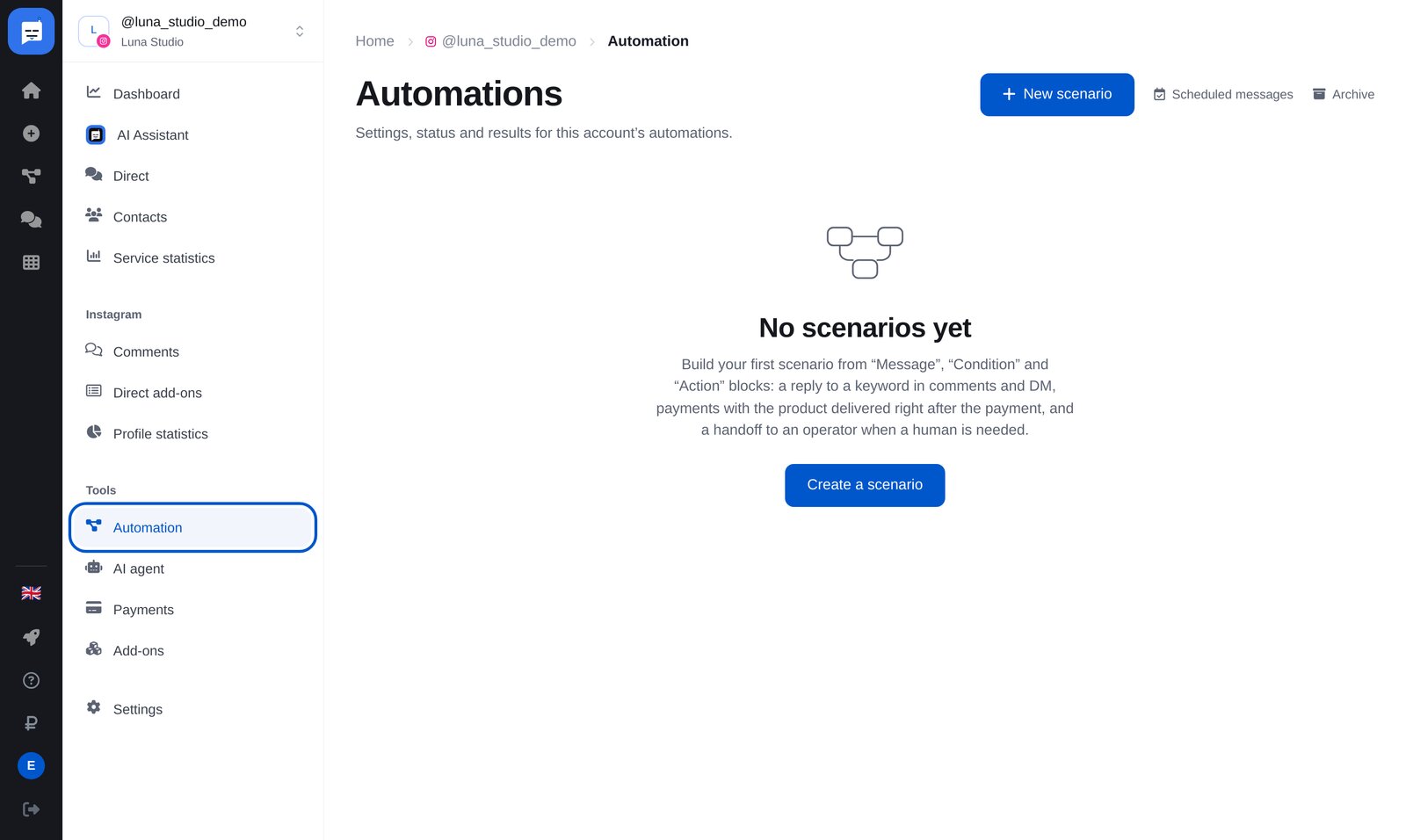
In your bot’s left menu, open “Automation”, then click the blue “New scenario” button at the top right.
-
2
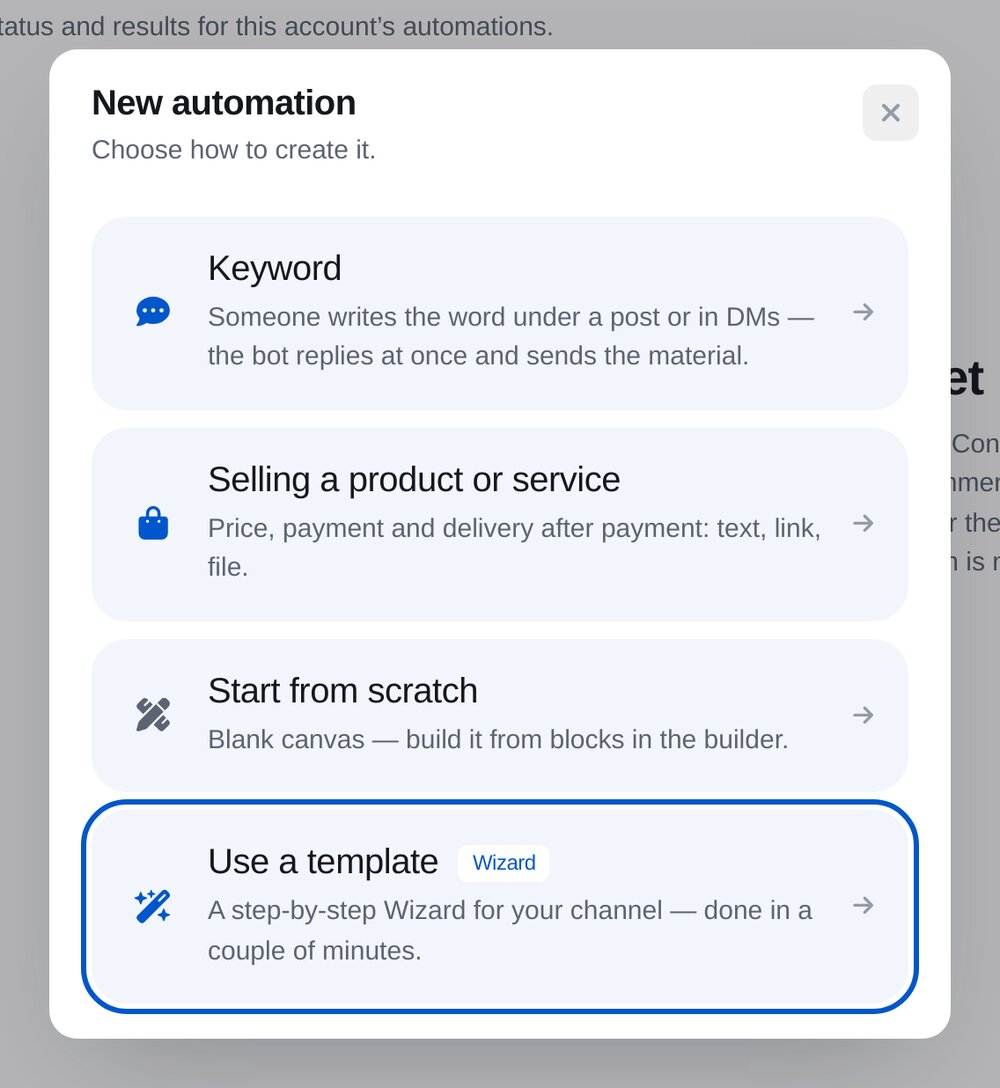
Choose “Keyword in comments or DMs”
The wizard opens, asking questions step by step and building the flow for you.
-
3
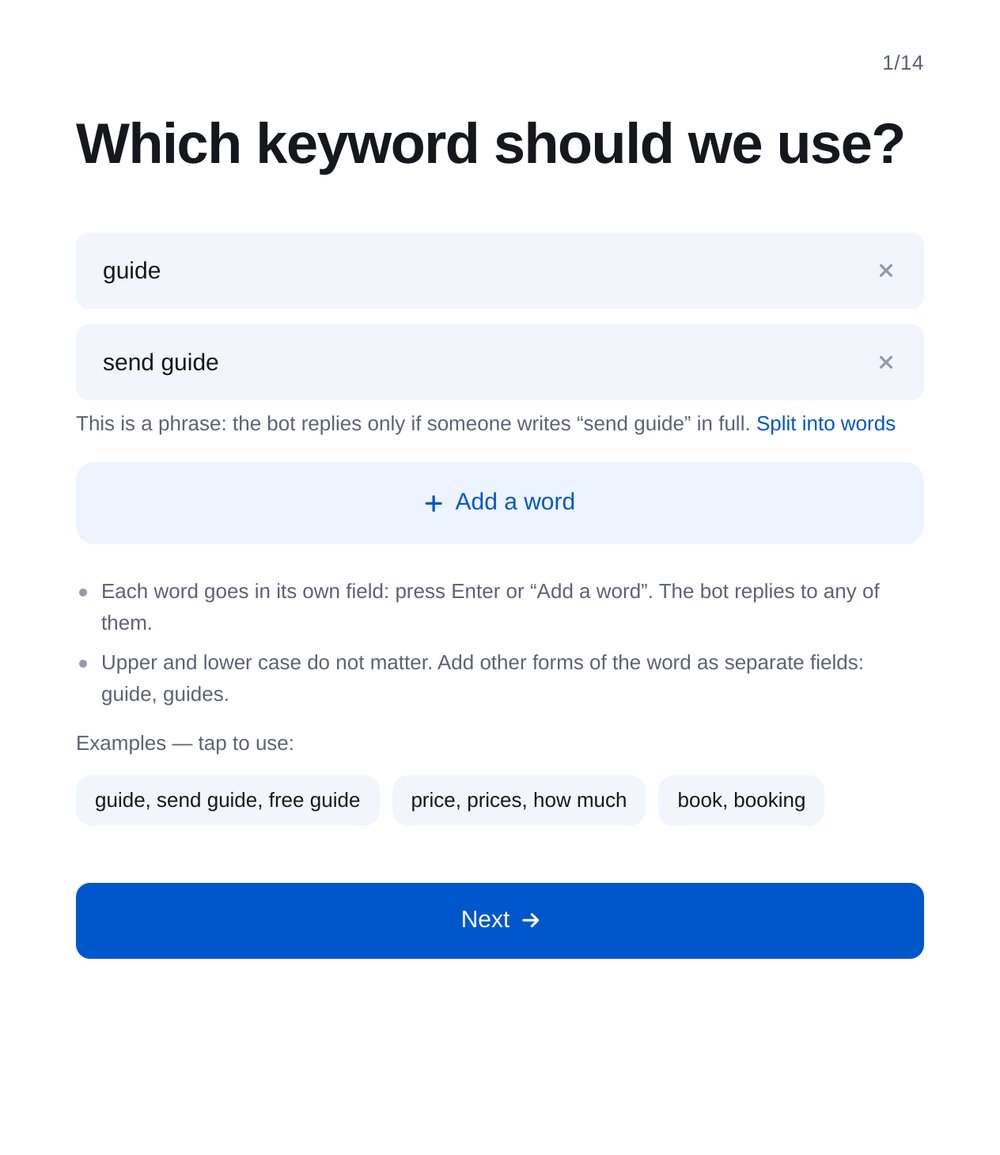
Set your keyword
One rule matches several keywords and phrases. Matching is case-insensitive.
-
4
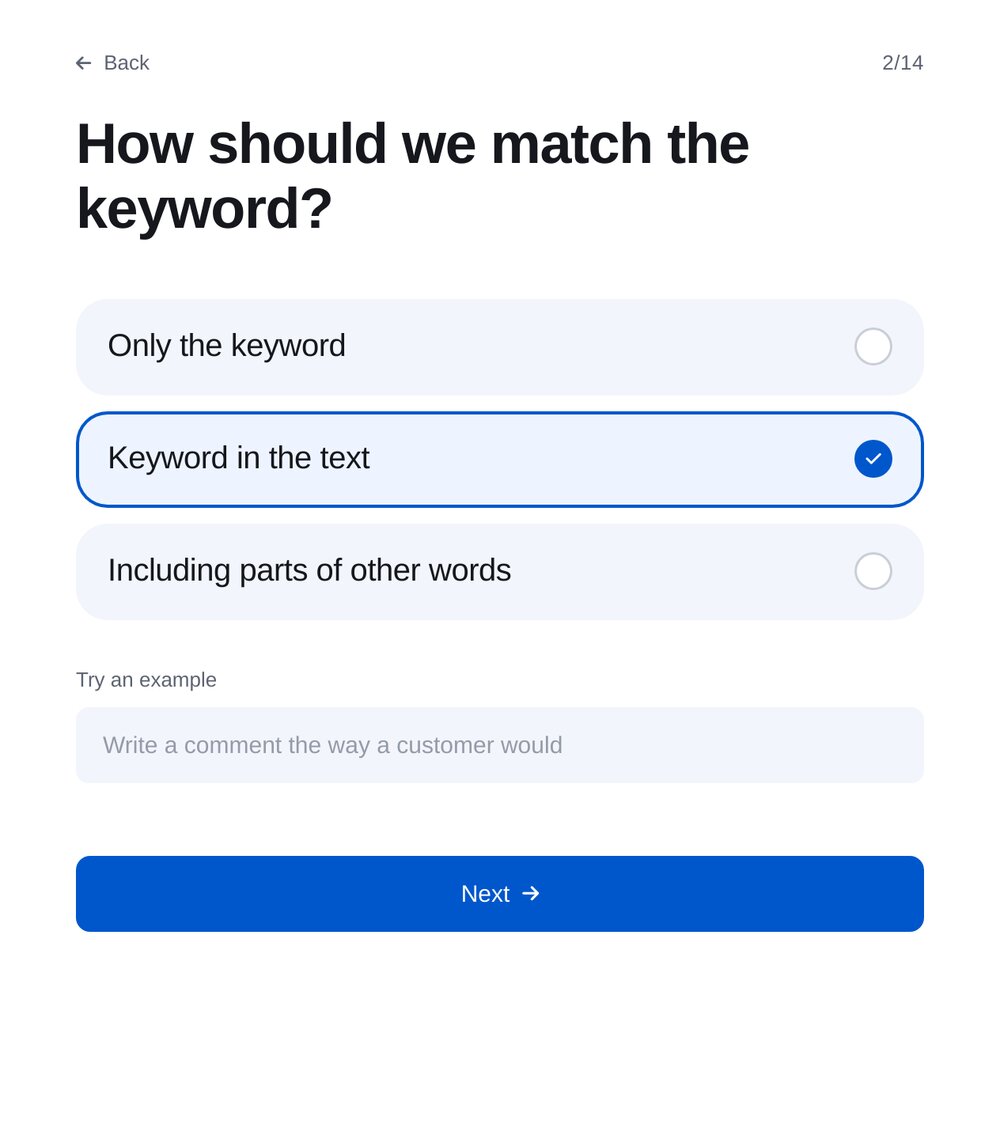
Choose how to match
A whole word anywhere in the text, an exact match or even part of another word. Test an example right in the wizard.
-
5
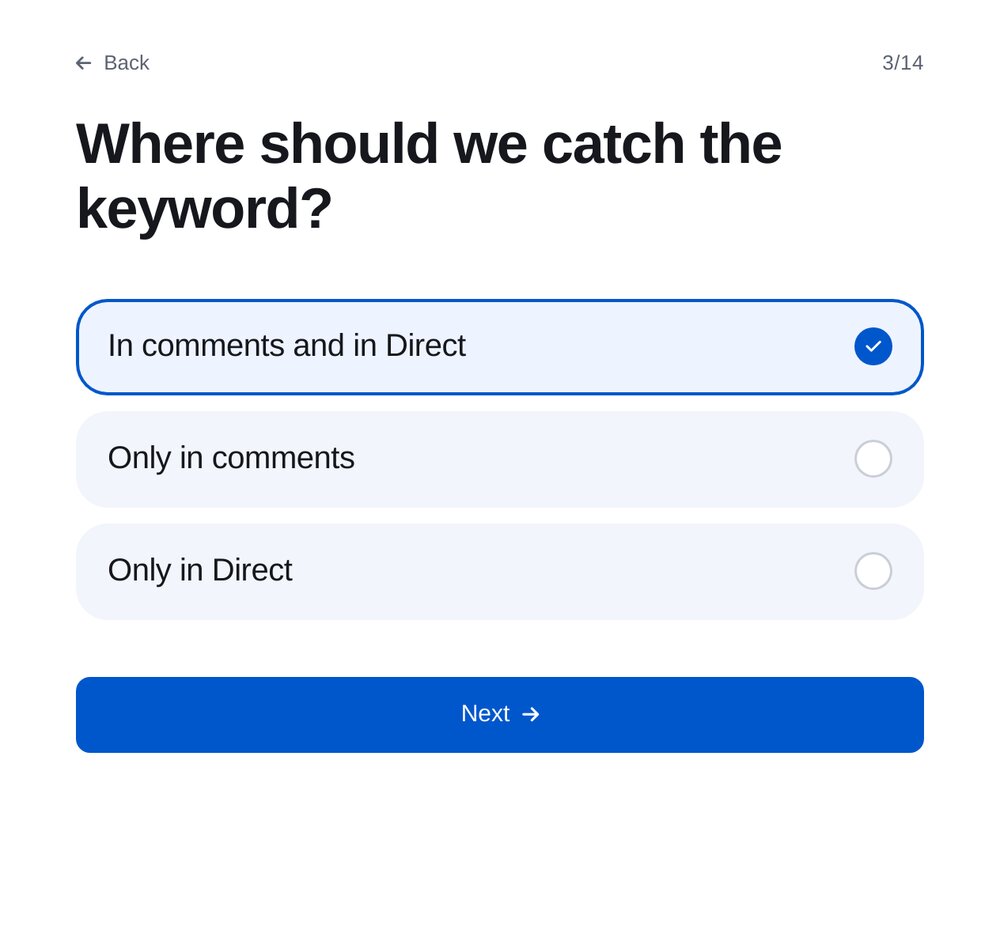
Where to match keywords
In comments, DMs or both. On the next step, choose all posts or just one.
-
6
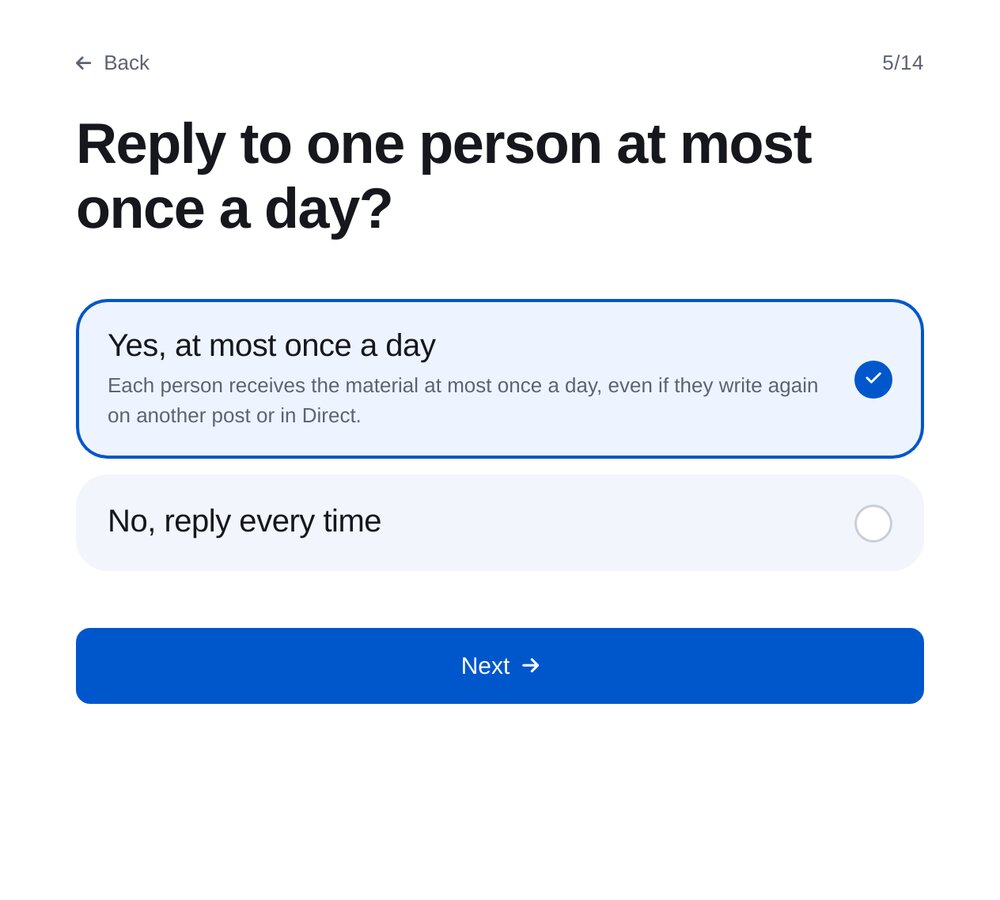
Once a day per person
If someone writes the keyword again, they won’t receive the same resource twice that day, even under another post.
-
7
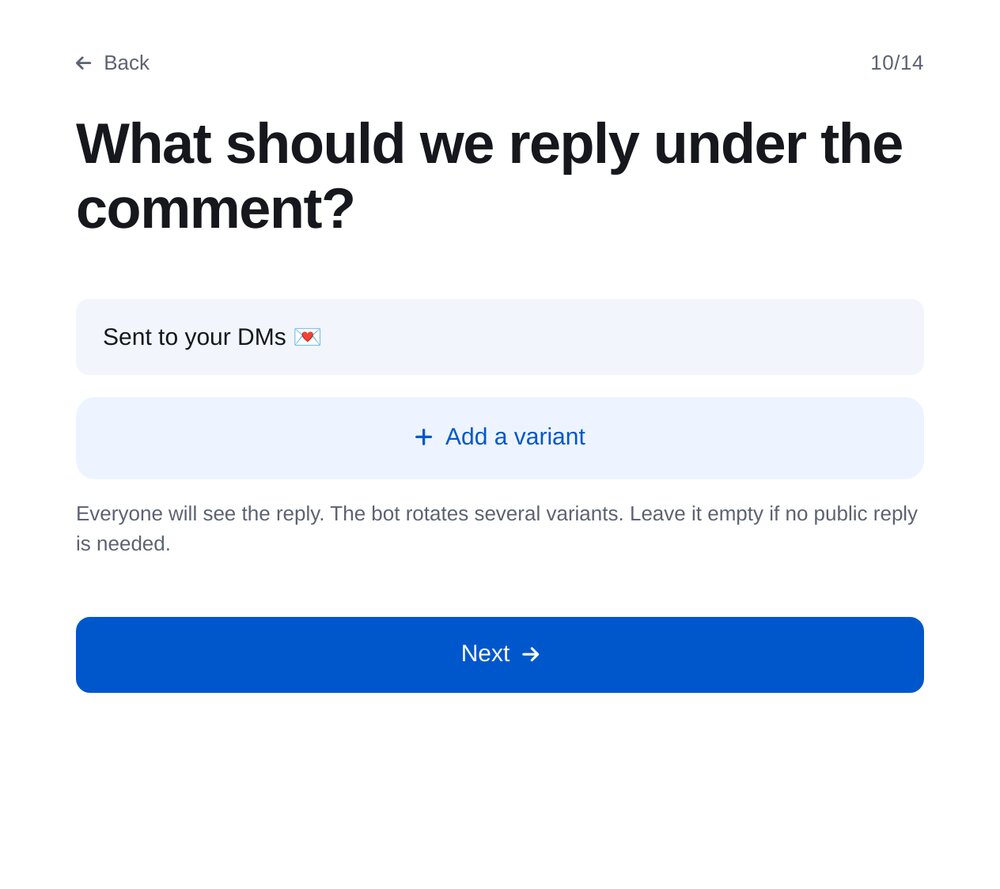
Reply to the comment
Everyone can see it. Add several replies for your bot to alternate between, or leave it empty.
-
8
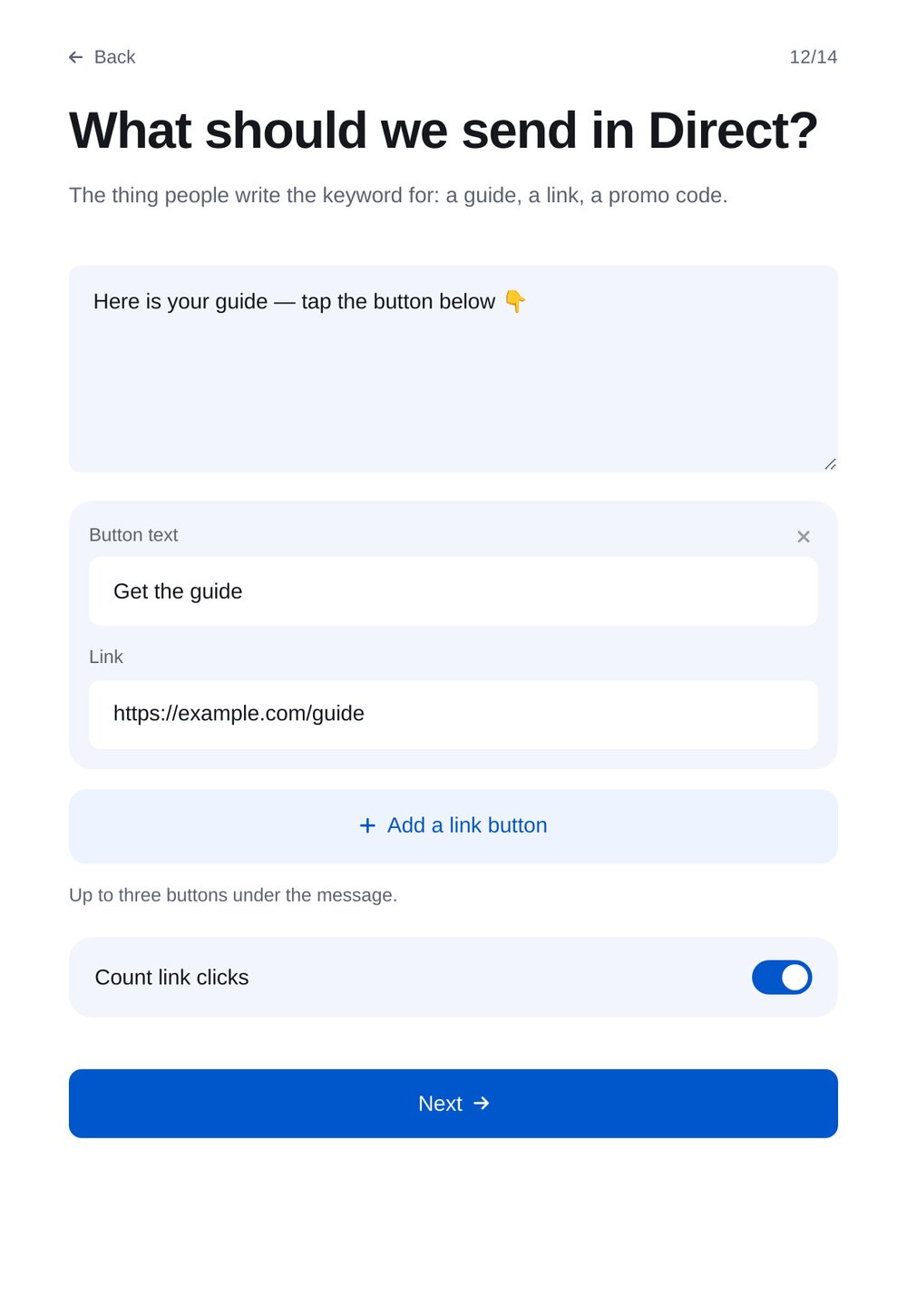
What to send in DMs
Send what people request with the keyword: a guide, link or promo code. Add up to three buttons under the message, with tracked clicks.
-
9
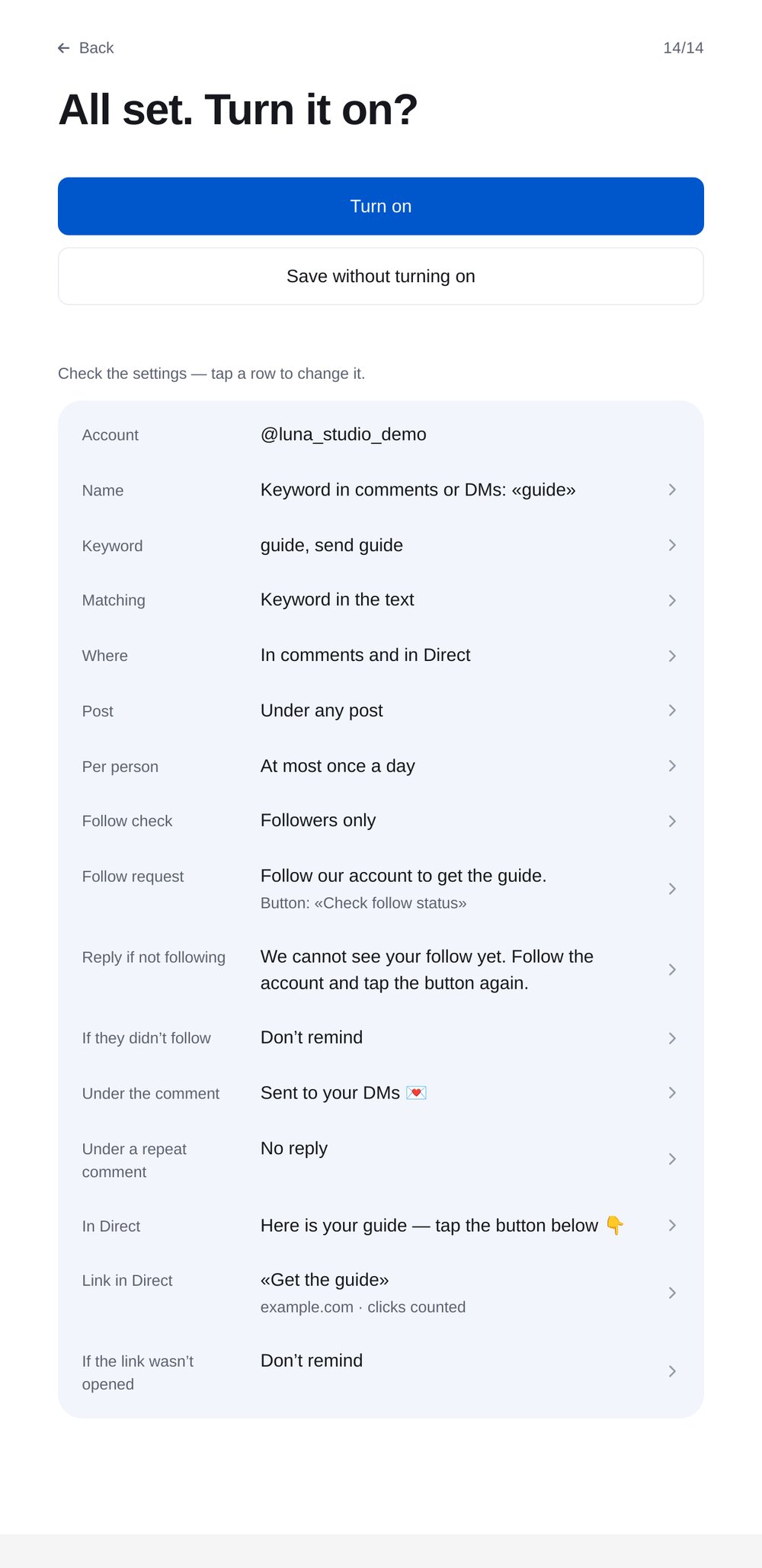
Review and turn on
All settings on one screen. Click a row to edit it.


FAQs
Do keywords work under Reels?
How many DMs can the bot send?
Can I send a guide to followers only?
How much is it?
More for your Instagram chatbot
Keyword replies in a few minutes