AI for your Telegram channel
AI learns from your channel posts and edits to write in your voice. Turn an idea into a post, plan your week or create an image from text, right in the post editor.

How it works
- 1
AI studies your channel
Your last 30 posts and edits to drafts.
- 2
It writes a draft
From an idea, a plan or a topic.
- 3
You review it
Nothing is sent to your channel without your confirmation.
How to set up AI for a Telegram channel
In your dashboard:Postsyour channelChannel settingsChannel style
-
1
Open “Channel style”
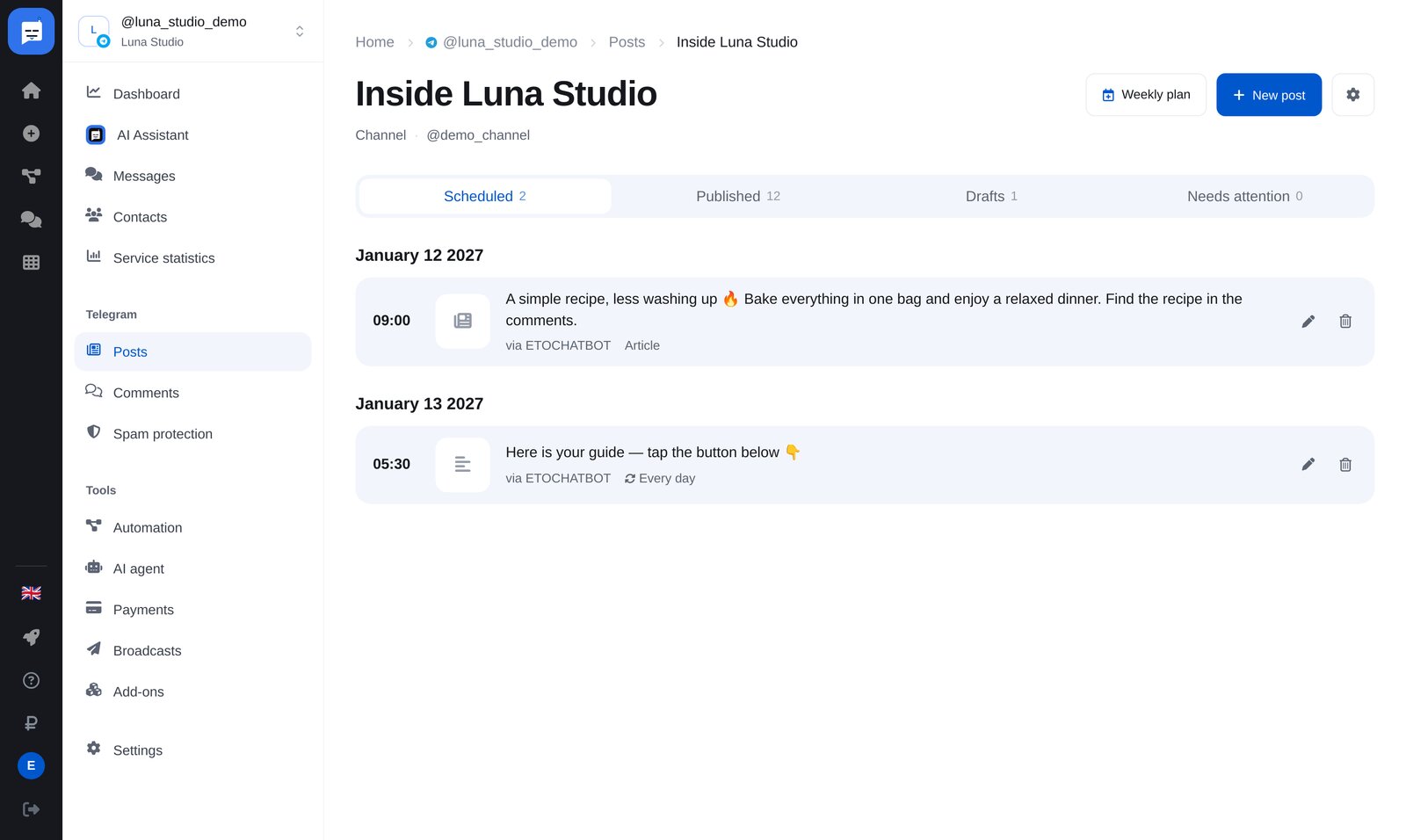
“Posts” → your channel → the gear icon at the top right → “Channel style”. Set the voice, rules and examples for AI there.
-
2
AI learns your channel’s style
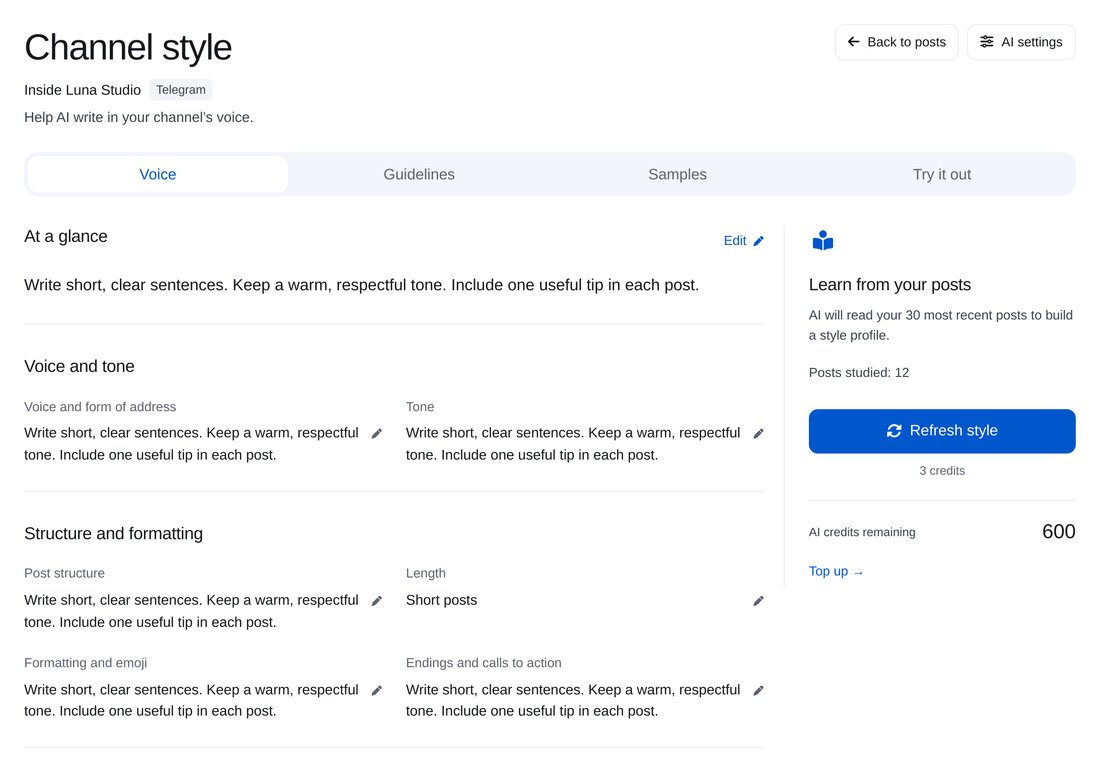
Voice, tone, presentation, length and formatting, based on the last 30 posts. Edit the description manually if needed.
-
3
Add rules
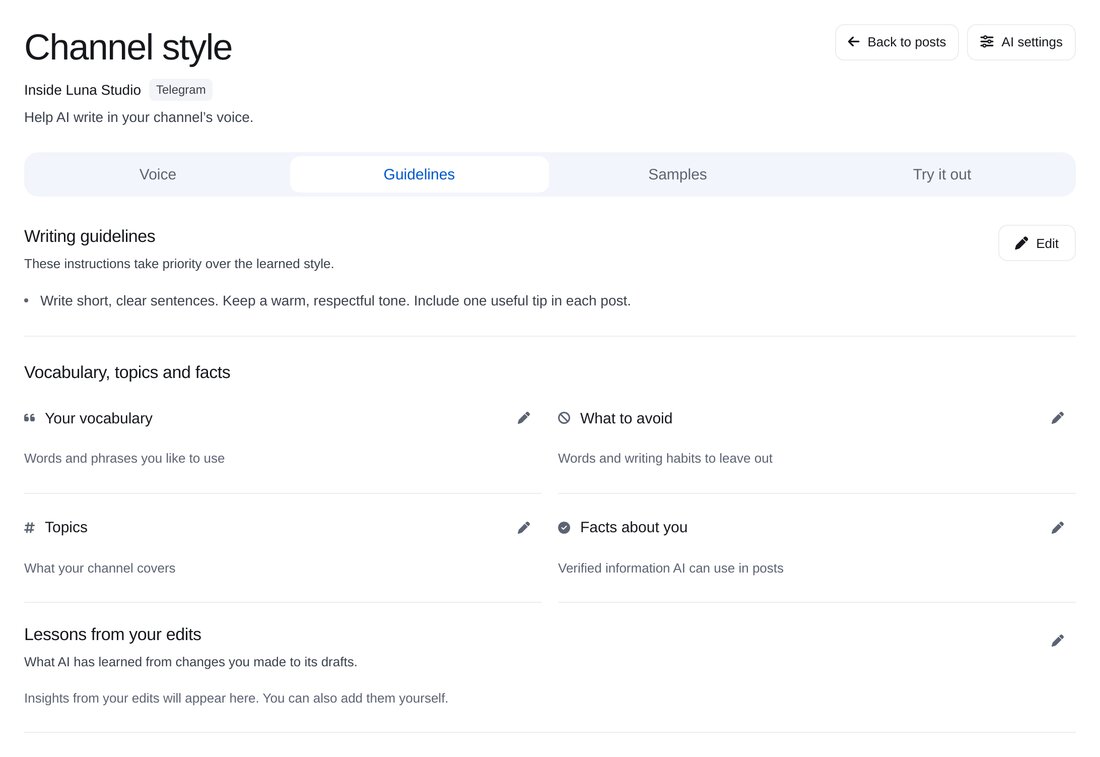
Set required rules, channel vocabulary, topics, facts about your business and things to avoid. AI also learns from your edits to drafts.
-
4
Try an example
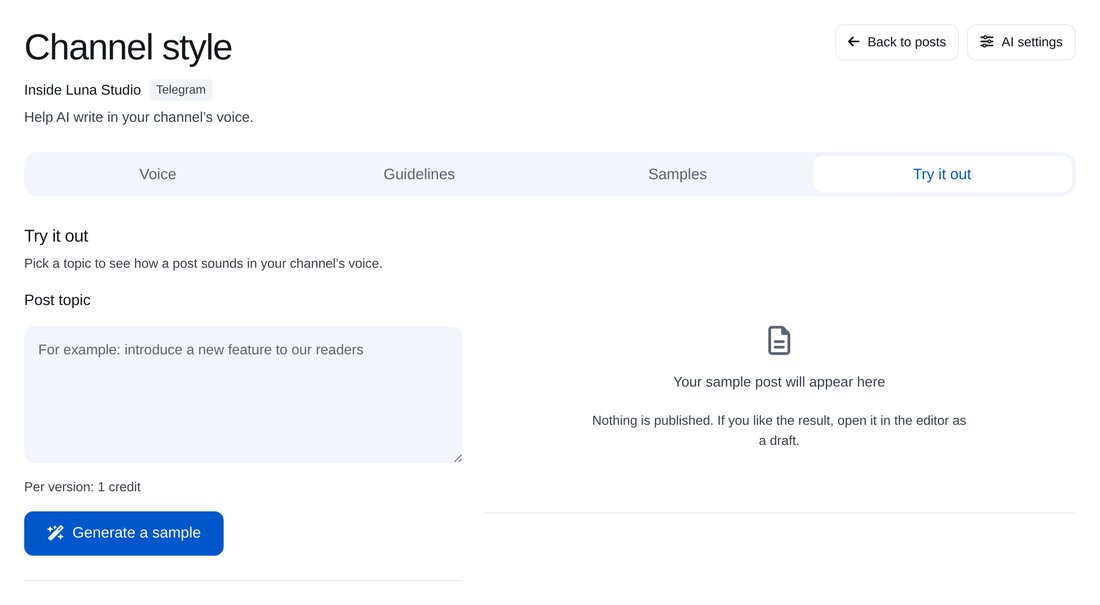
Enter a topic to see an example post. Like it? Open it in the editor as a draft.
-
5
Write posts with AI
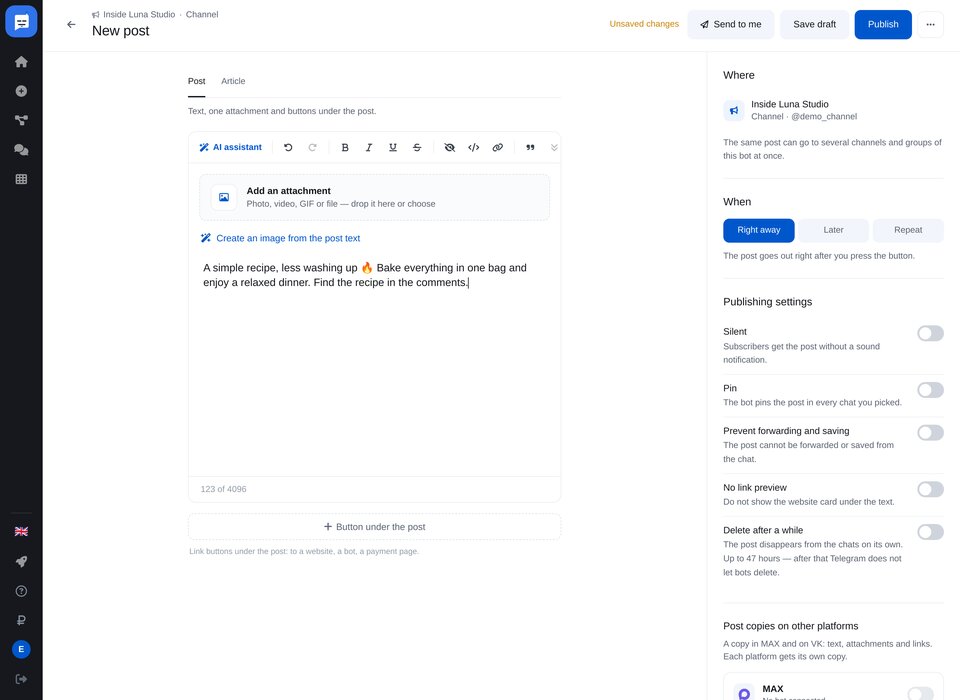
In the editor: “Ask AI to write a post”, create an image from the post text, rewrite, shorten or change the tone.


FAQs
Will AI publish a post without me?
Do I need to explain my channel’s style to AI?
How much is it?
More for your Telegram chatbot
Set up AI for your channel in a couple of minutes