Triggered messages on your website
A rule messages a visitor automatically when conditions match: page, traffic source or time on site. The message appears above the chat button. When they reply, the conversation opens.
- A visitor is on your pricing page — for 20 seconds
- A rule matches — once ever
- Chat starts the conversation — “Need help choosing a plan?”
How it works
- 1
Set the conditions
Page, source, time on site and more.
- 2
Write your message
Text with buttons or a ready-made flow.
- 3
Your visitor replies
The conversation joins your inbox, with the number of replies tracked.
How to set up website triggered messages
In your dashboard:Website chat settingsTriggersCreate rule
-
1
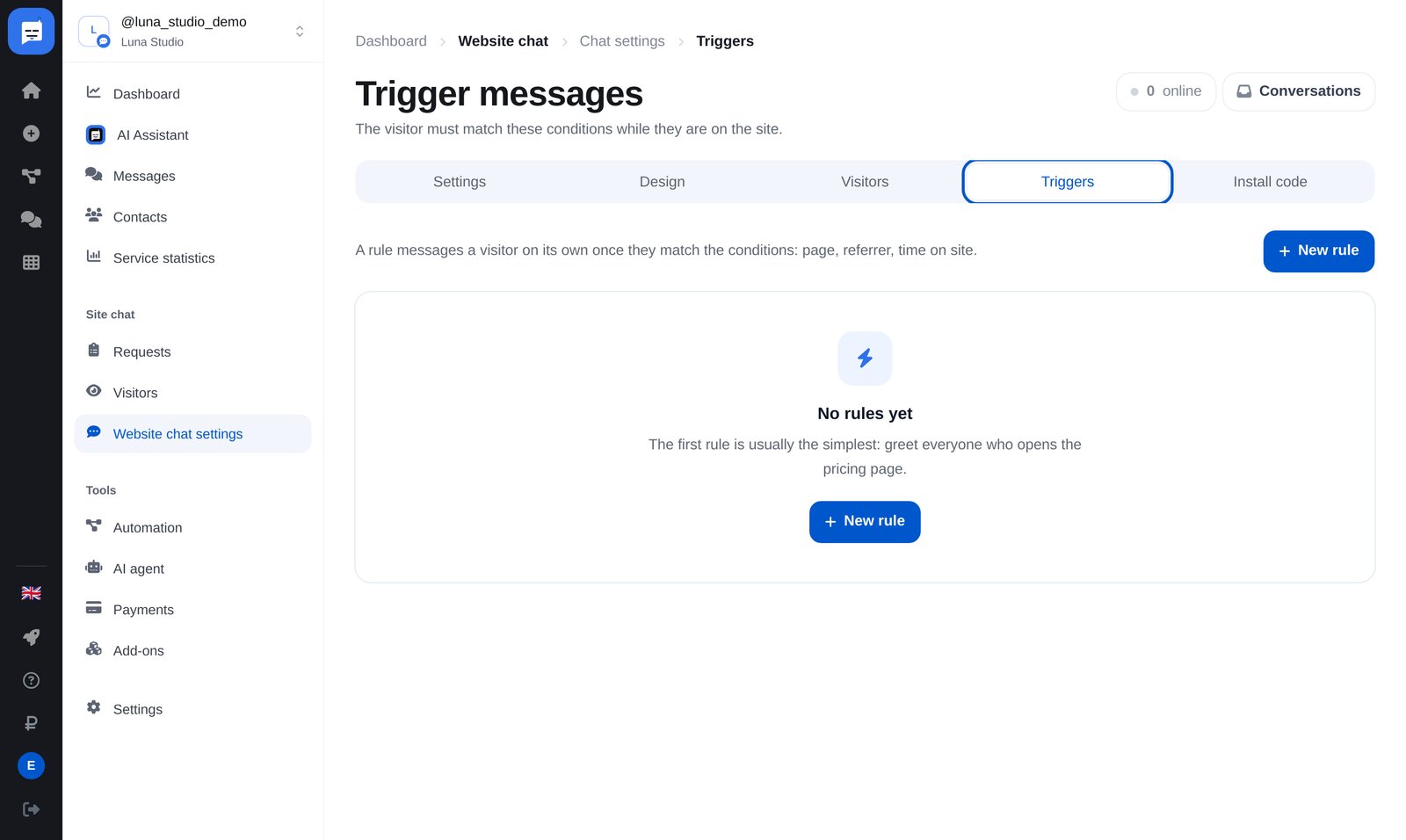
Open “Triggers” → “Create rule”
“Website chat settings” → “Triggers”. The rule list shows messages sent and viewed, replies and button clicks.
-
2
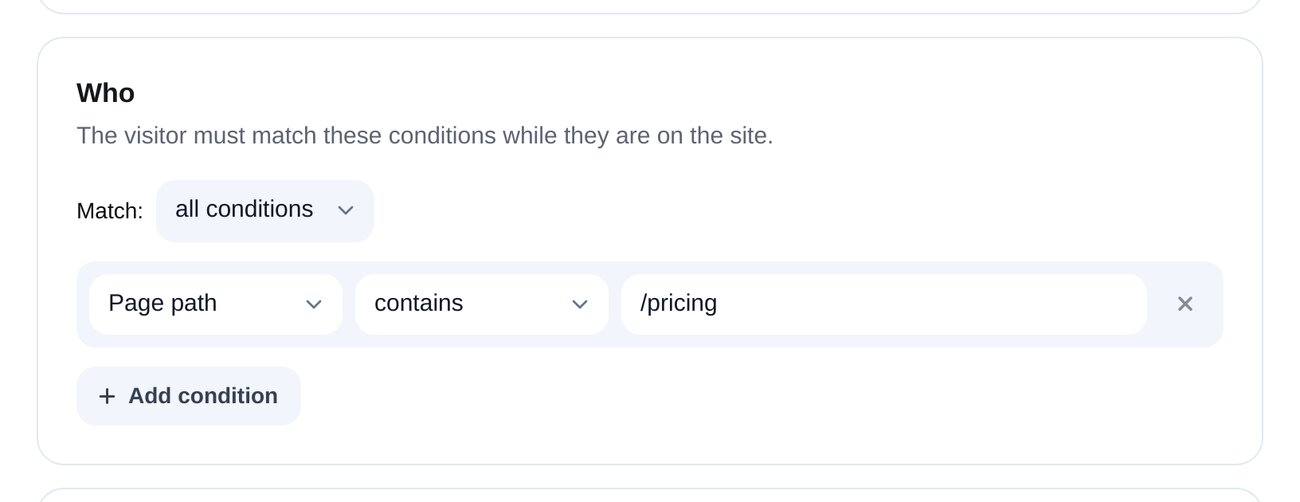
Who to message
Page URL, path or title; referring domain; UTM tags; URL parameters; pages viewed and seconds on site; returning visits; mobile device; whether chat was opened; whether an email is known. Require all conditions or any one of them.
-
3
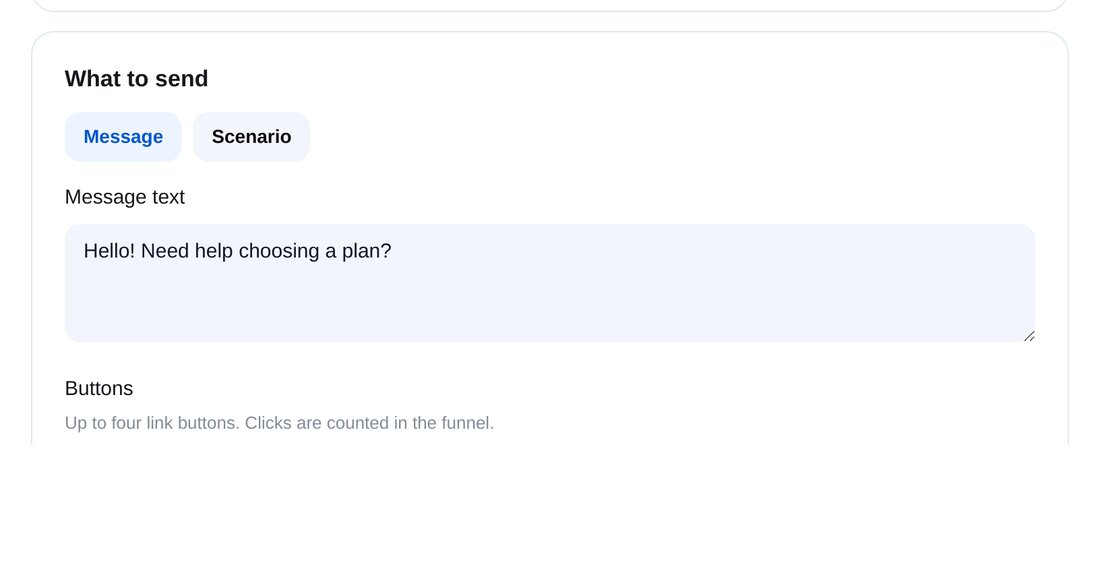
What to send and when
A message with up to four link buttons or a flow. Set a delay from the start of the visit, frequency, priority, “only when support is online” and “a person replies next”.


FAQs
How is a rule different from a chat greeting?
Will visitors find it intrusive?
Can I message a visitor myself?
How much is it?
Set up triggered messages in a couple of minutes