 ETOCHATBOT
Chatbots for Instagram, Telegram and your website
Create chatbots using AI chat, your voice or the builder. On your laptop and phone. Work the way you prefer — all in ETOCHATBOT
Where do your customers message you?
Choose a platform to see what your bot can do and where to set it up. Conversations from every platform arrive in one inbox, and the same flow works across them all.
A keyword takes your customer straight to DMs
Someone leaves a keyword under your Instagram post. The bot replies to their comment and immediately sends what they requested in a DM.
- Keywords in post comments and DMs
- Automatic replies in Instagram DMs
- Check whether they follow you before sending a bonus
- An AI agent that answers from your knowledge base


Your bot and channel in one dashboard
Flows with buttons guide customers towards an enquiry. Manage comments on channel posts in the same dashboard.
- Auto-replies after hours and to common questions
- Flows with buttons and a quiz with a reward
- Scheduled channel posts
- Spam protection for comments and groups

Your visitor asks. The bot replies.
Add chat to your website with one line of code. Replies arrive in the shared inbox alongside your messaging conversations.
- A widget that matches your brand — one line of code
- Your website chat starts the conversation
- An AI agent replies while you’re busy

How much does a chatbot cost?
Start free. Pay when your bot starts delivering results.
- One bot on any platform
- Flows, buttons and menus
- Up to 50 conversations a month
- No limits on conversations or contacts
- Unlimited flows and team members
- All platforms and automations
- Everything in Plus
- An AI agent answers using your knowledge base
- AI replies included in your plan
3 days of Premium free, no card required
Your free trial starts when you connect a channel: an AI agent, every feature and 30 AI replies. After the trial, your account moves to the free Starter plan. You won’t be charged.
How to create a chatbot
No coding or developer needed. Three steps, and your bot is ready to reply to customers.
-
1
Connect a platform
Telegram, Instagram or website chat—it takes just a couple of minutes to connect.
-
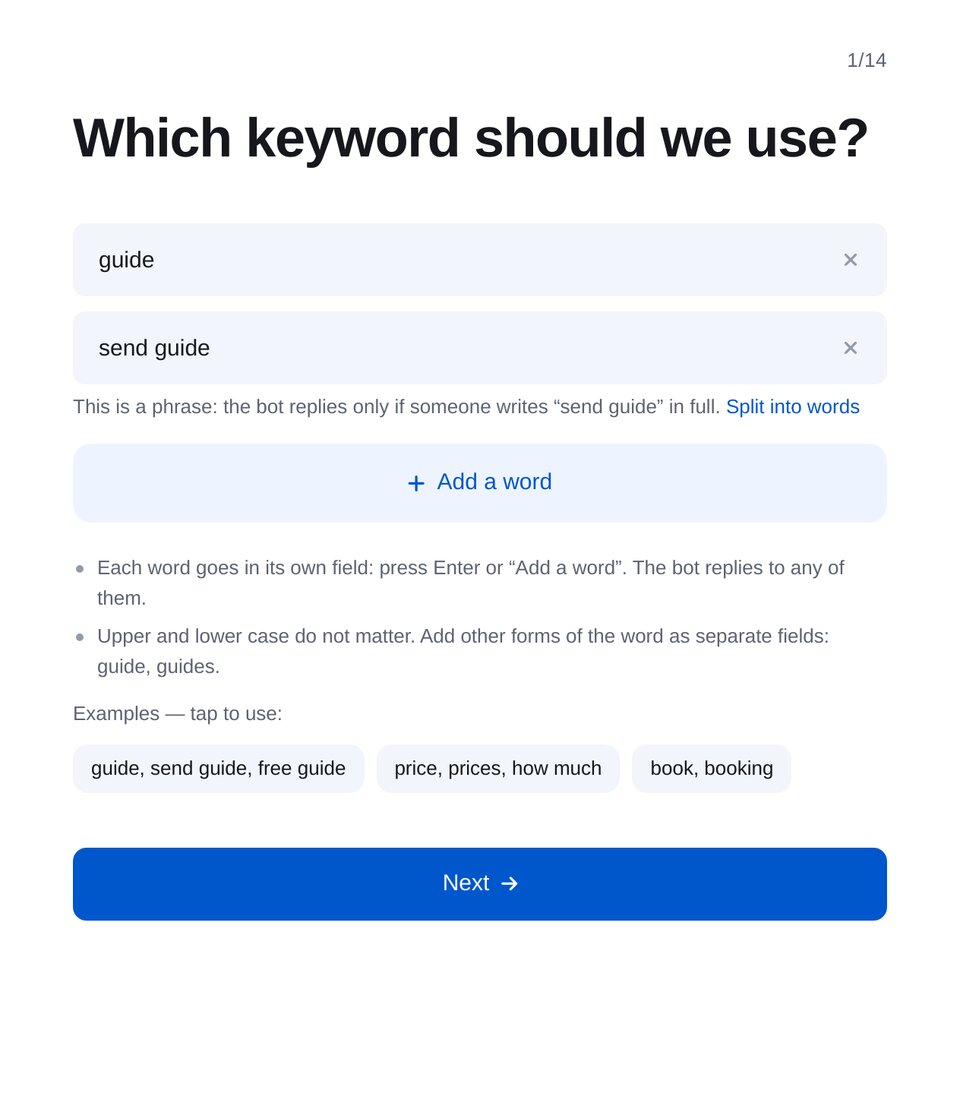
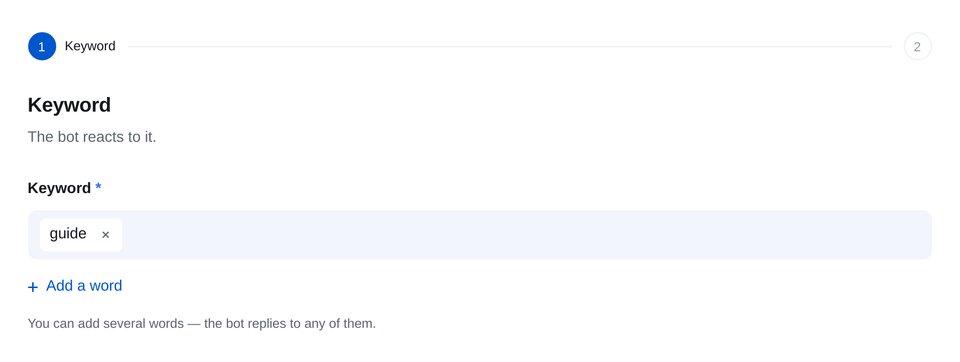
 2
2Build a flow
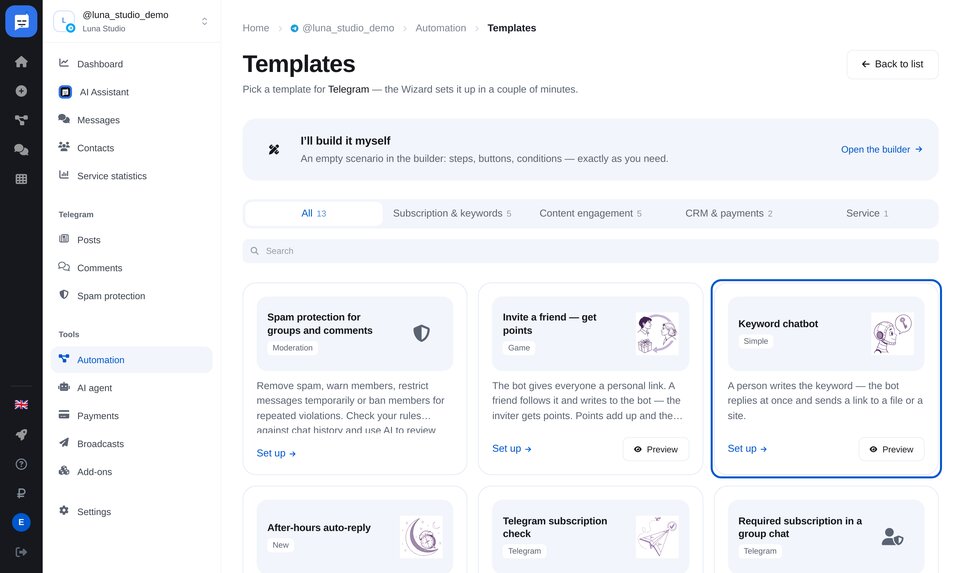
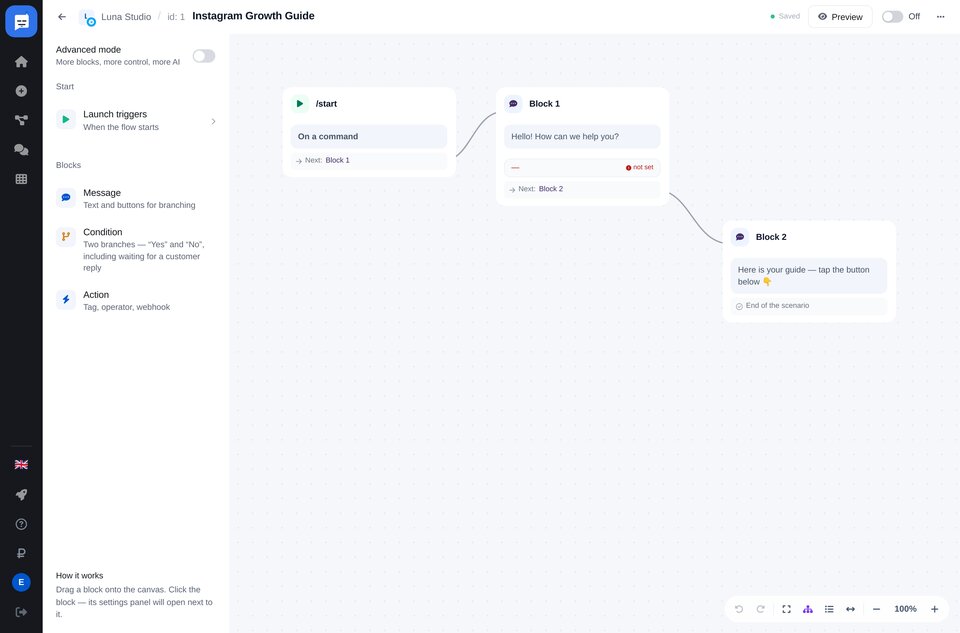
Start with a template for keywords, subscription checks or after-hours replies. Or describe your task to AI by text or voice.
Template Drag and drop Voice AI chat -
3
Launch your bot — it’s ready to reply
Your bot greets customers and guides them towards an enquiry. Conversations from all platforms arrive in one inbox.


We’re here to help
We’ll help you connect your bot, build your first flow and choose a plan. Contact us wherever you prefer.
Chatbot FAQs
What is a chatbot?
Do I need to know how to code?
Which messaging apps and social networks do your bots support?
Can a bot book appointments?
How is an AI agent different from a regular chatbot?
How much does a chatbot cost?
How quickly can I launch a bot?
Is it safe and legal?
Still have a question? Contact our support team →